Article View


Welcome to our tour of the newest COVER.INFO. Here we introduce you to the new version – what stays, what changes, and what is entirely new.
First things first: at its core, COVER.INFO stays what it has always been – a database that shows how melodies have been reused over time. The proven basic principle does not change: songs are always compared in pairs, an initial song and a follow-up song derived from it. The relation types stay the same too – cover version, alternative version, medley, quotation and sample – as does the song count that shows you the number of initial and follow-up songs – though it is now clickable, too. Brand new is the relation type co-original: it marks songs whose first release came out at the same time as at least one other version – in other words, cases where no single original can be identified. Beyond that, what is new is above all the presentation and the handling – plus a number of features that simply did not exist before. Alongside songs, we now also keep classical works as entries of their own – more on that further down.
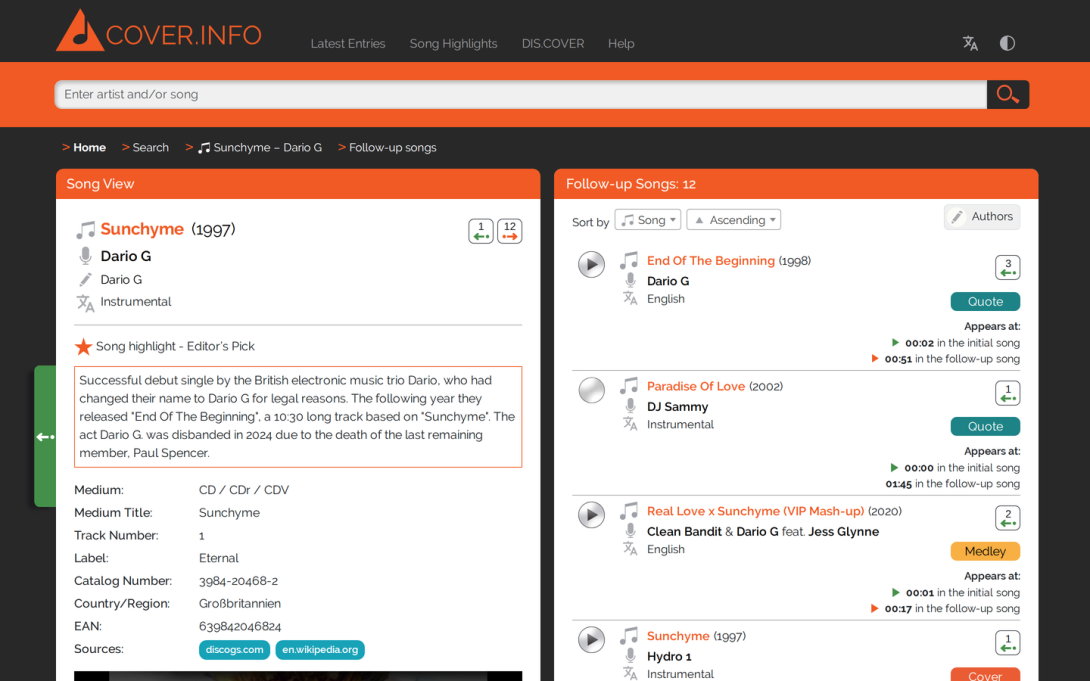
The Song View Now Sits Side By Side
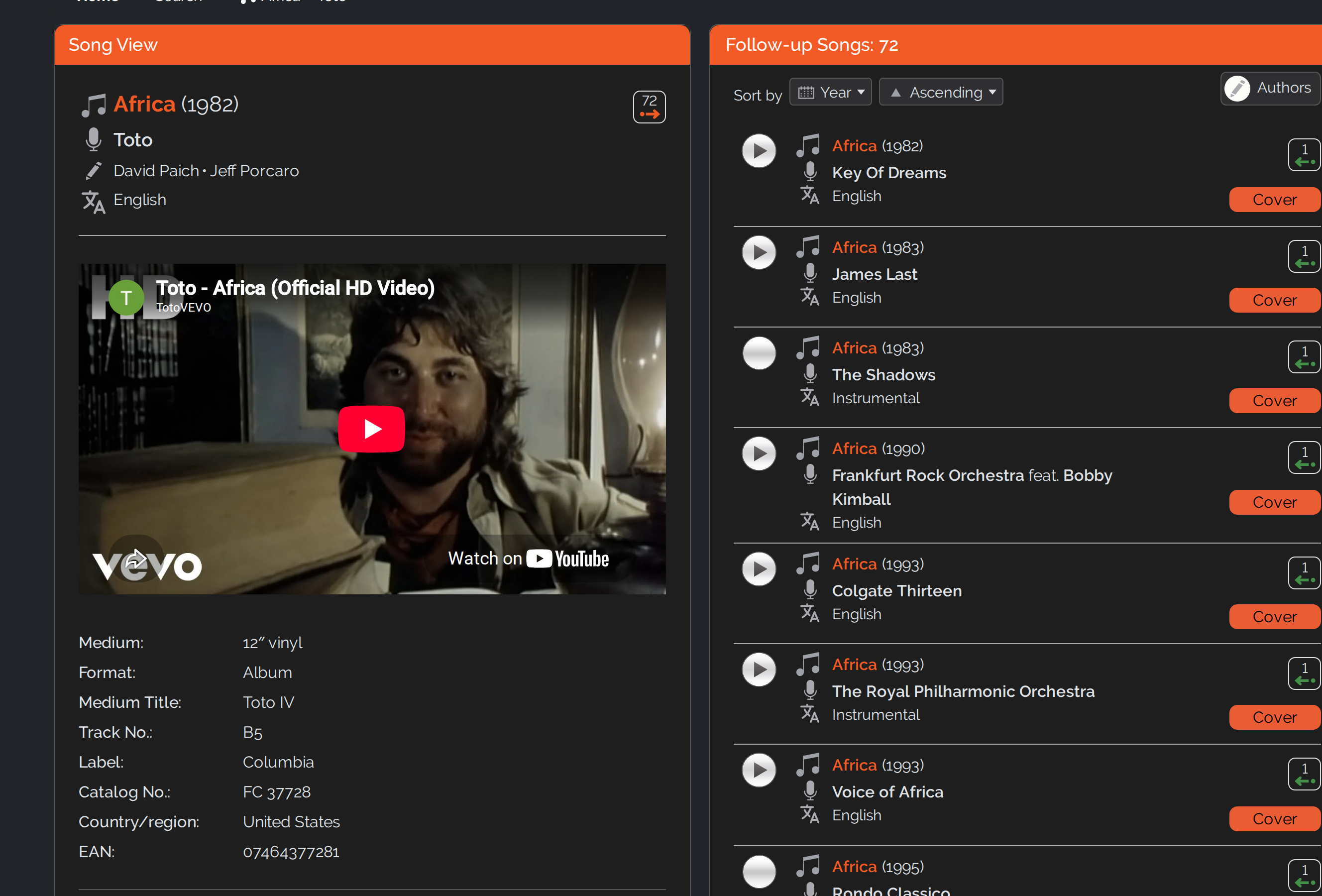
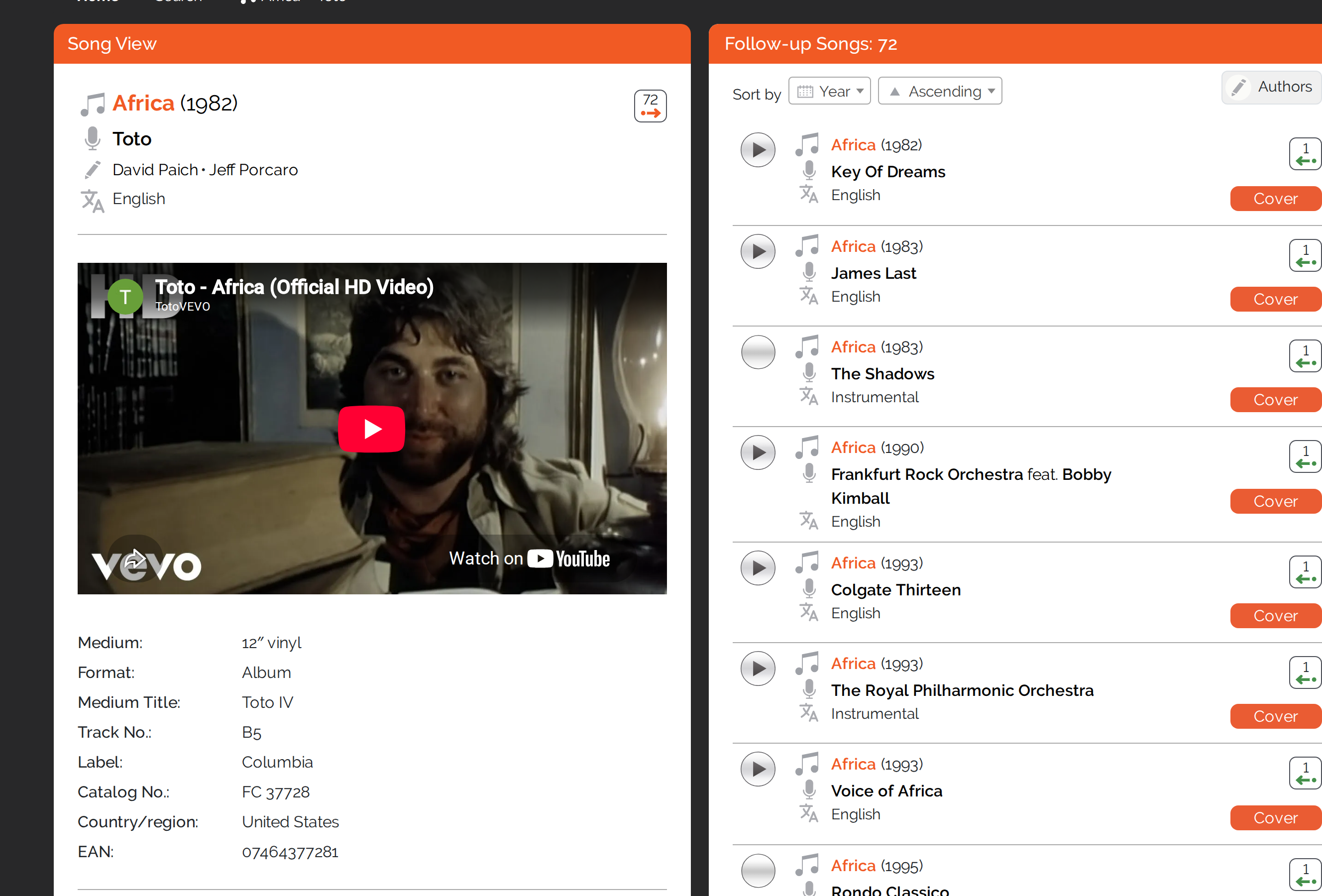
The most noticeable change concerns the song view. So far the three boxes were stacked on top of each other: the initial songs in the box above, the considered song in the middle and the follow-up songs in the box below.
In the new version the three boxes sit side by side: the initial songs on the left, the song view in the middle and the follow-up songs on the right. On wide screens you see two boxes at once; you switch between the views using the paging arrows or by swiping / dragging, as far as they do not fit side by side. There is an even quicker shortcut – click the number of initial or follow-up songs in the song count, and you land straight in the matching box.
New: Compare Songs In Detail, Side By Side
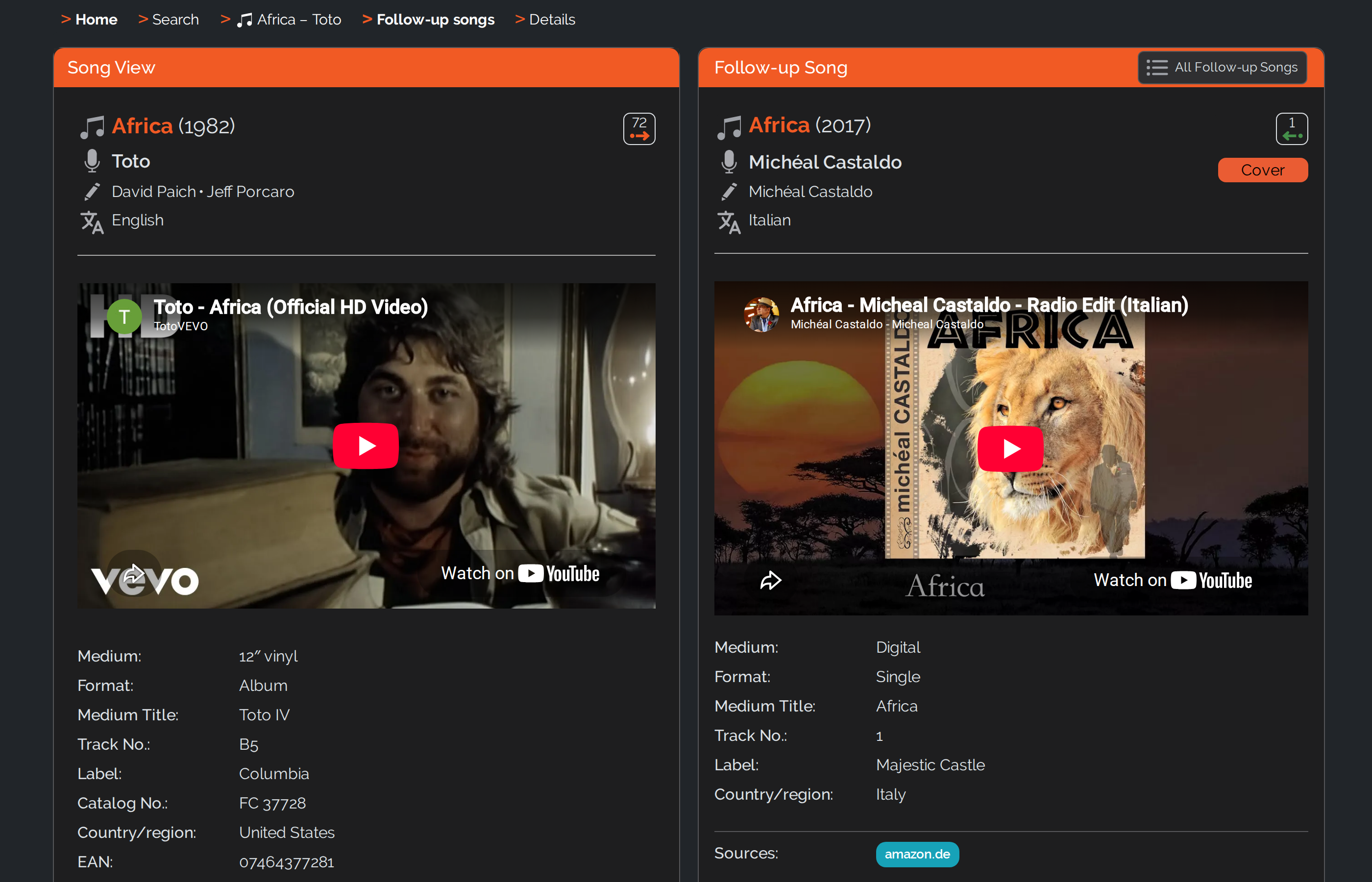
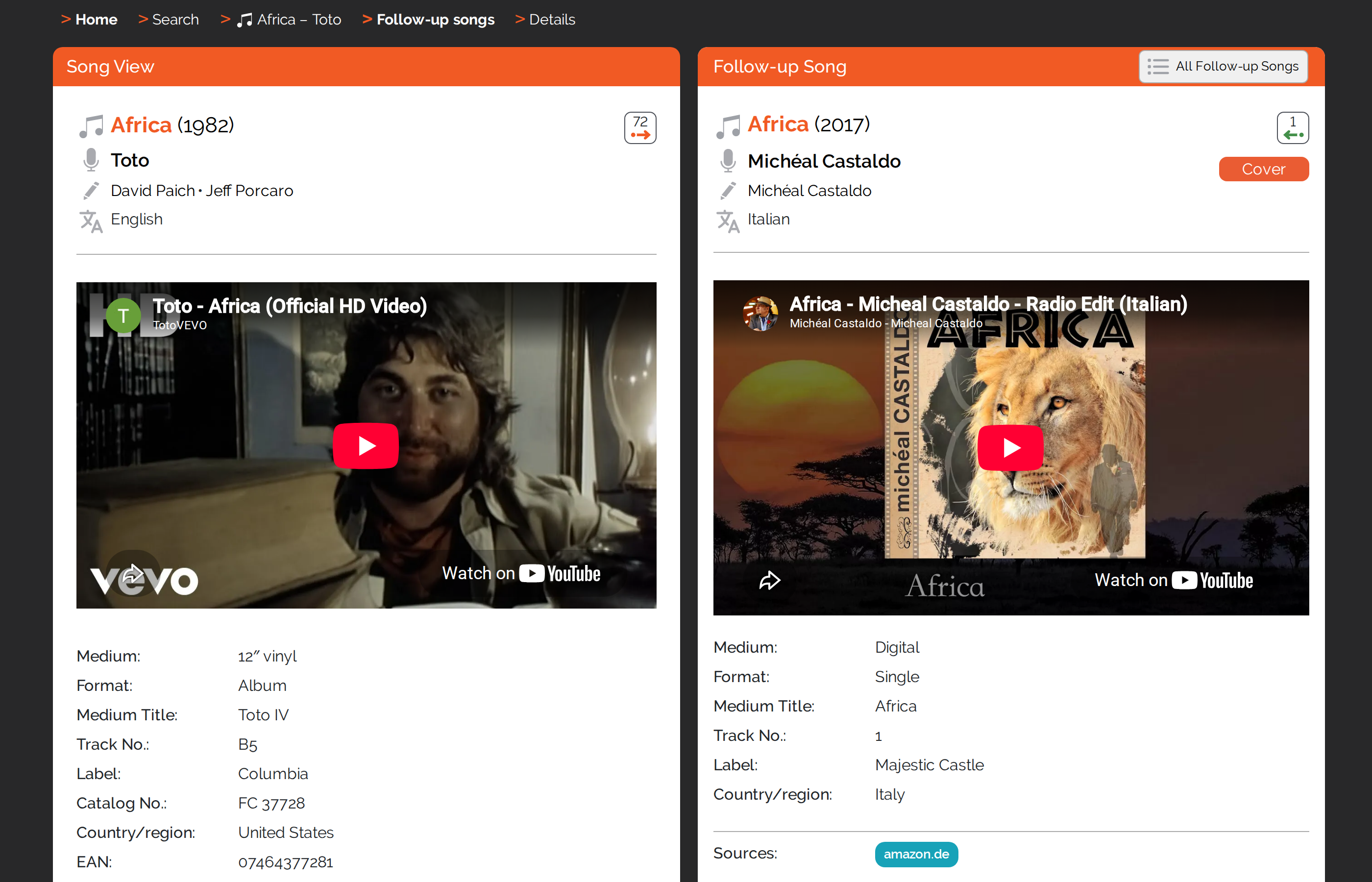
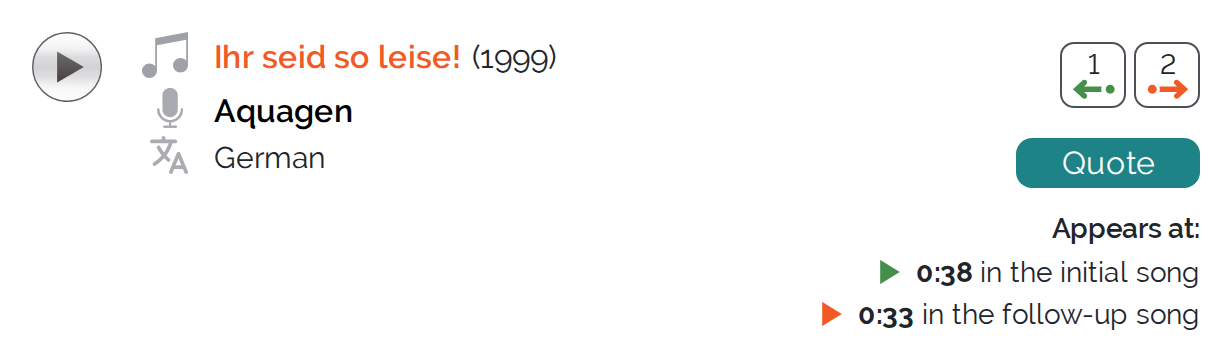
You could already compare the main data of two related songs before. What is new: you can now load the full details of an initial song and a follow-up song right next to each other – including the release details and any comments.
New: Co-Original – When There Is No Single Original
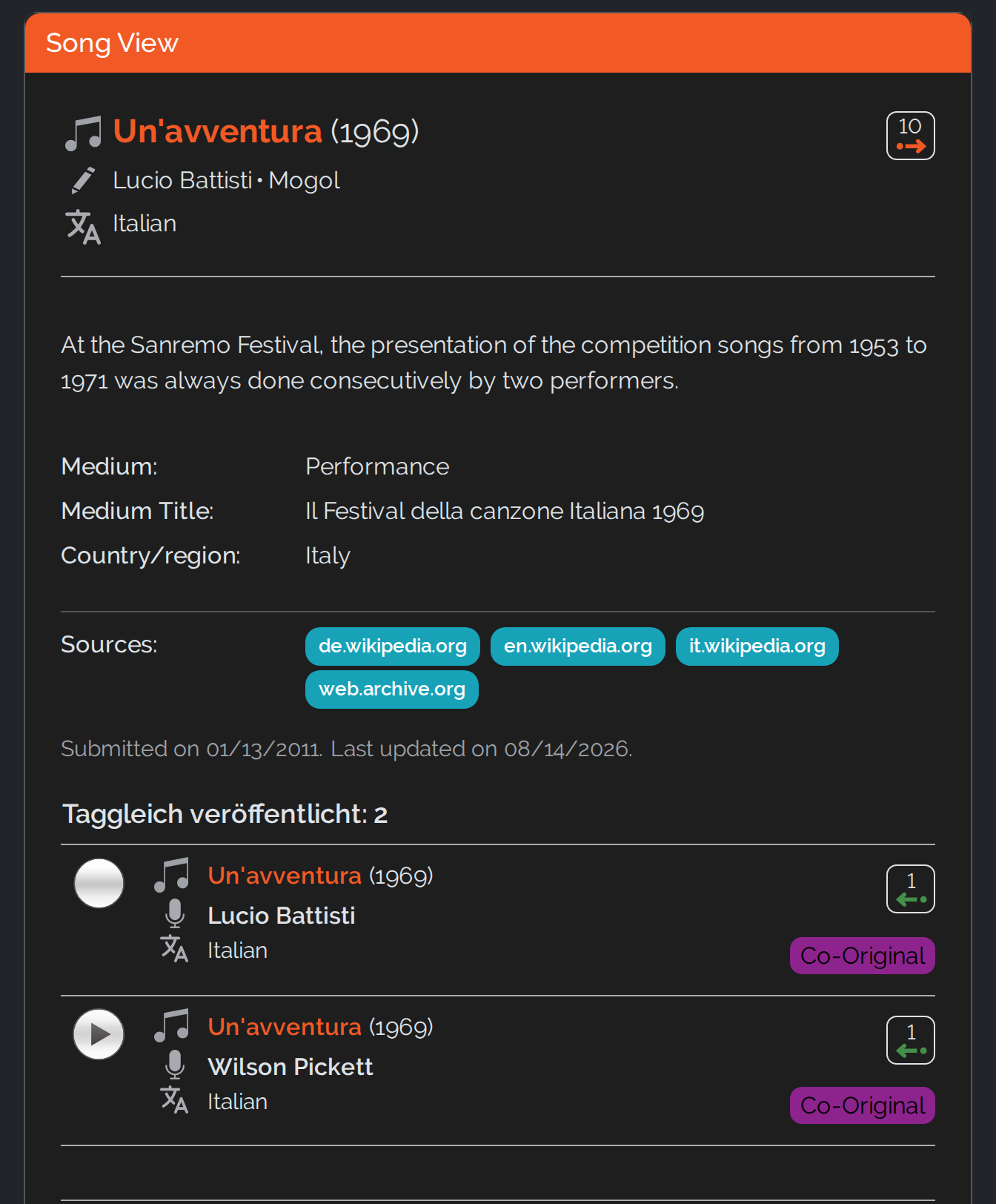
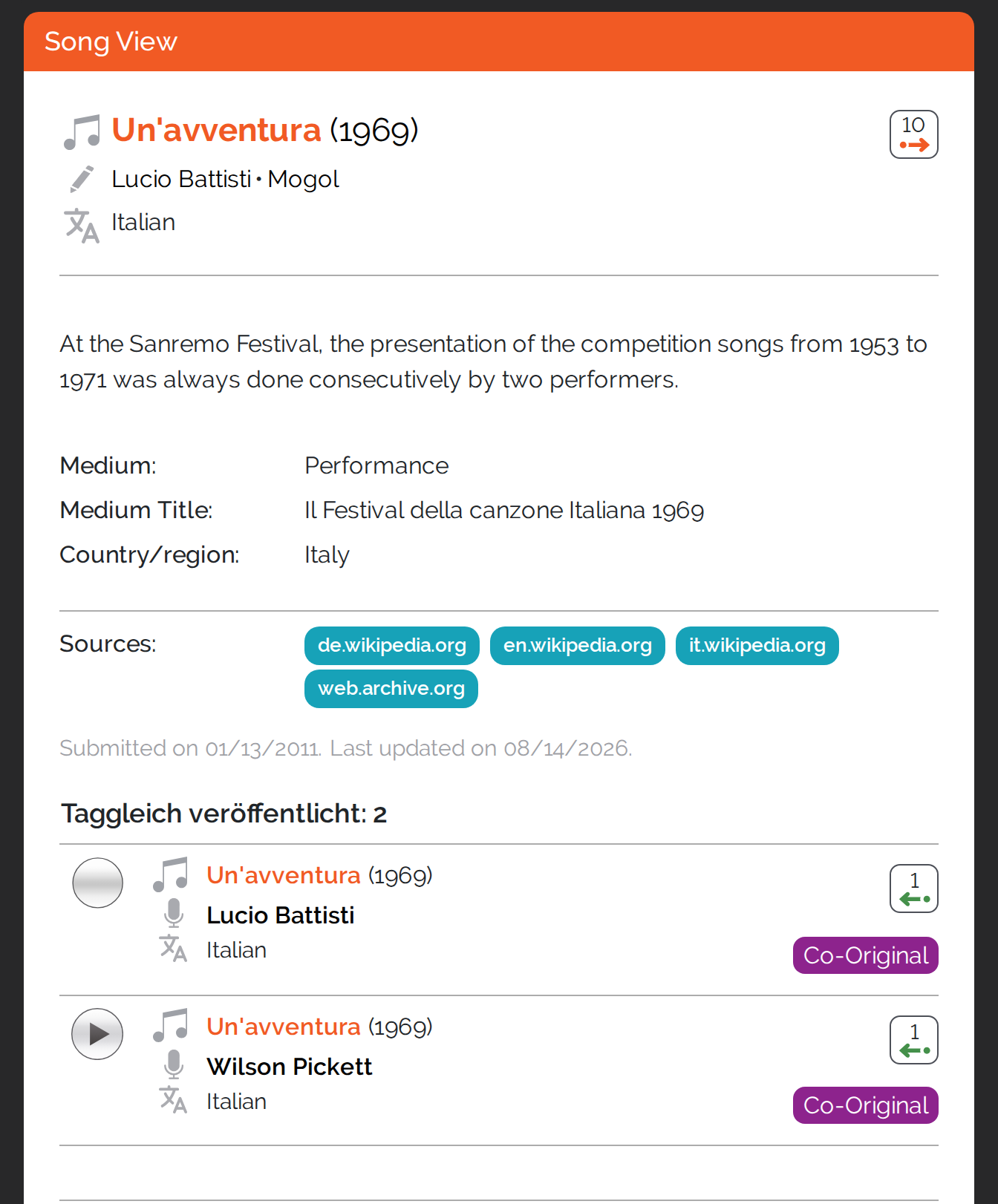
Usually the case is clear: one song comes first, and everything later derives from it. Sometimes, though, two or more versions appear on the very same day – and then there is no telling which one came first. That is what the relation type co-original is for. In the song view such versions appear in a list of their own, “Released on the same day”; in the song lists they carry the co-original label.
By far the most frequent case in our database is the Sanremo Festival. From 1953 to 1971, every competing song there was performed consecutively by two artists. We know for certain that both versions were heard on the same day – but not which artist performed first. We therefore treat the songs of this festival throughout as simultaneous releases, that is, as co-originals.
One example is Un’avventura from 1969. The song was written by Lucio Battisti and Mogol; at the festival it was performed by Battisti himself and by Wilson Pickett. Neither version is the template for the other – the later recordings of the song sit beside them as ordinary follow-up songs.
The Search Thinks Along As You Type
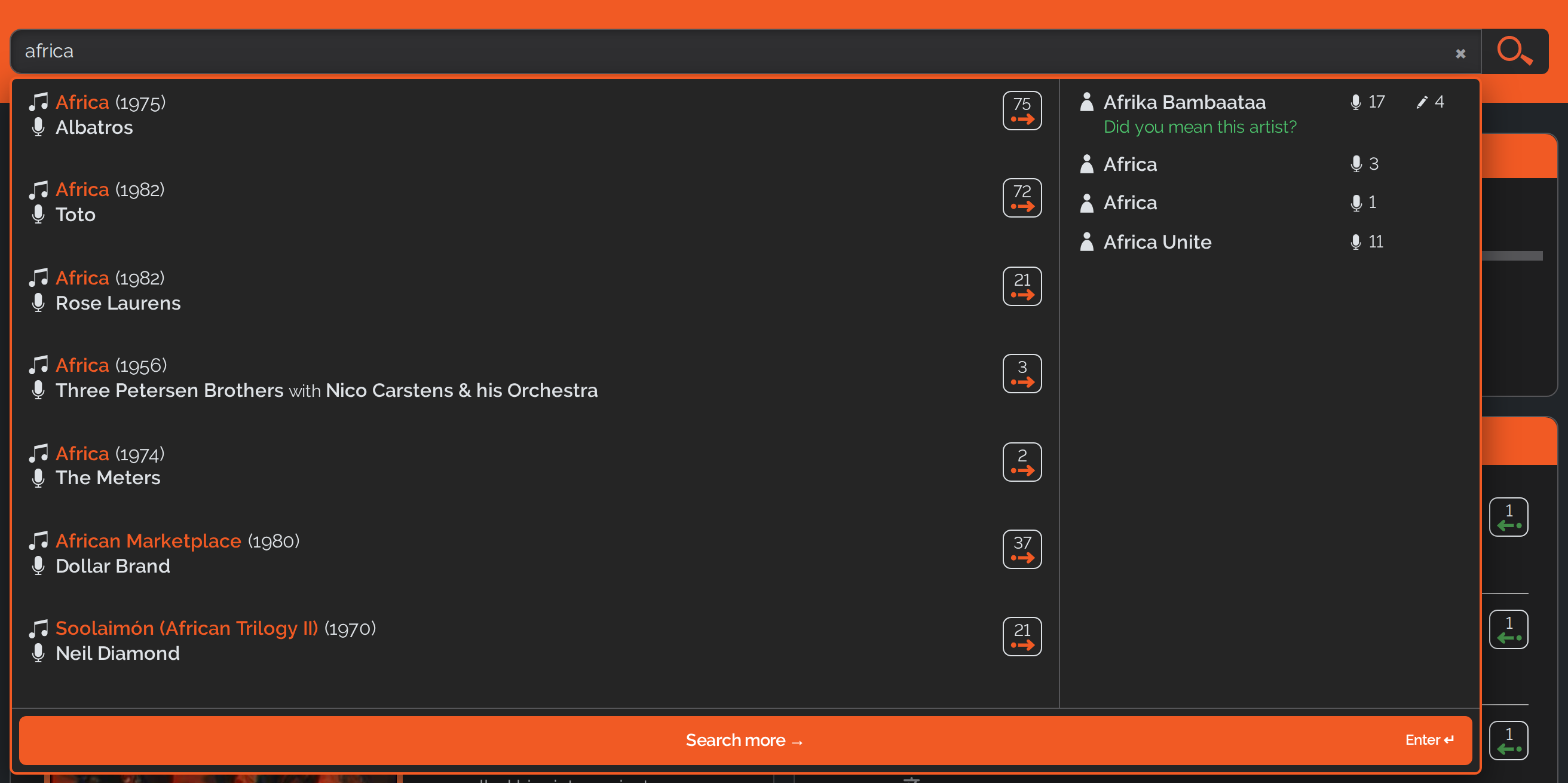
As soon as you type the first few letters, a suggestion panel opens below the search field: songs on the left, artists on the right. For every song it lists the year, the performer and the song count; for every artist the number of performed and written songs. A click takes you straight to the entry; “Search more” or the Enter key takes you to the full list of results.
In most cases the suggestions also tell you why a line appears. If the search finds a song not by its main title but by another title it is also known under, that is shown below it as “Alias”; if the match comes from the title of the release, it says “on medium”. That way it stays clear why a seemingly unrelated title is being offered to you.
The search has improved considerably for short song titles: titles like “If”, “As” or “Trouble” used to get lost in the crowd, because the very same words sit inside countless longer titles. Now the songs that carry exactly the title you searched for come first – and among those, the better-known ones.
A few tricks worth knowing: partial words are enough – “esterd” finds “Yesterday”. Several words in quotation marks search for that exact sequence. And classical works appear among the suggestions as well.
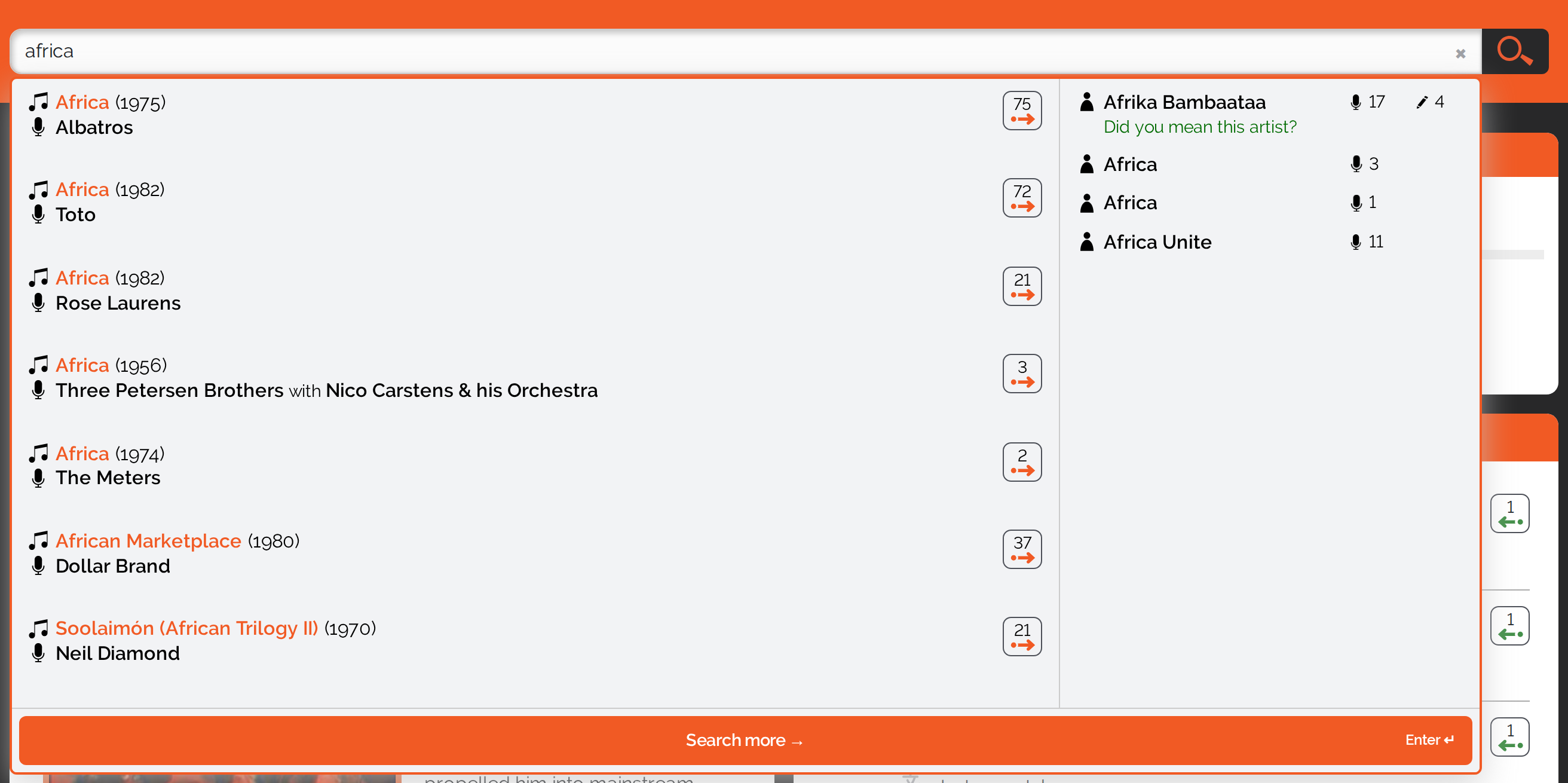
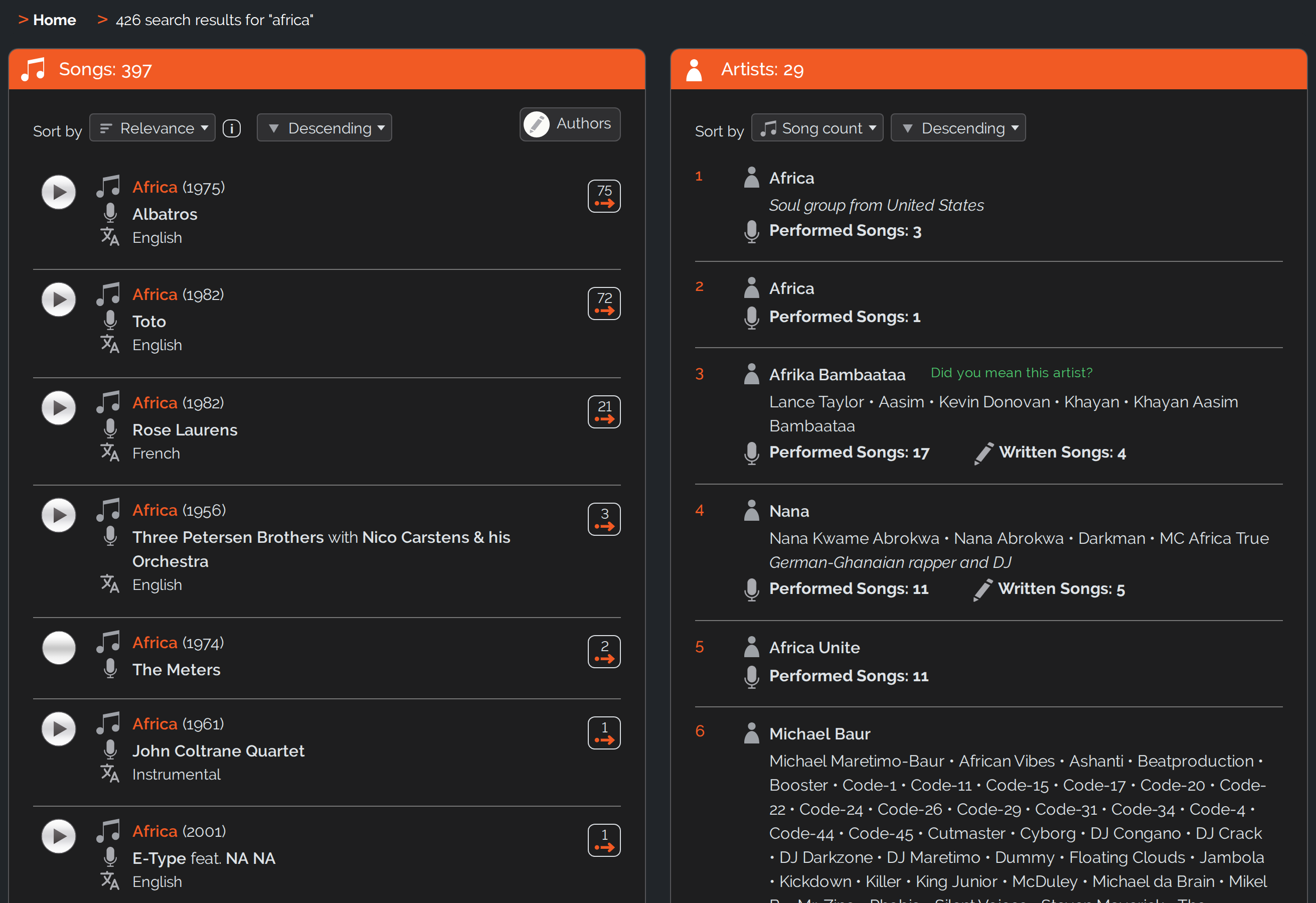
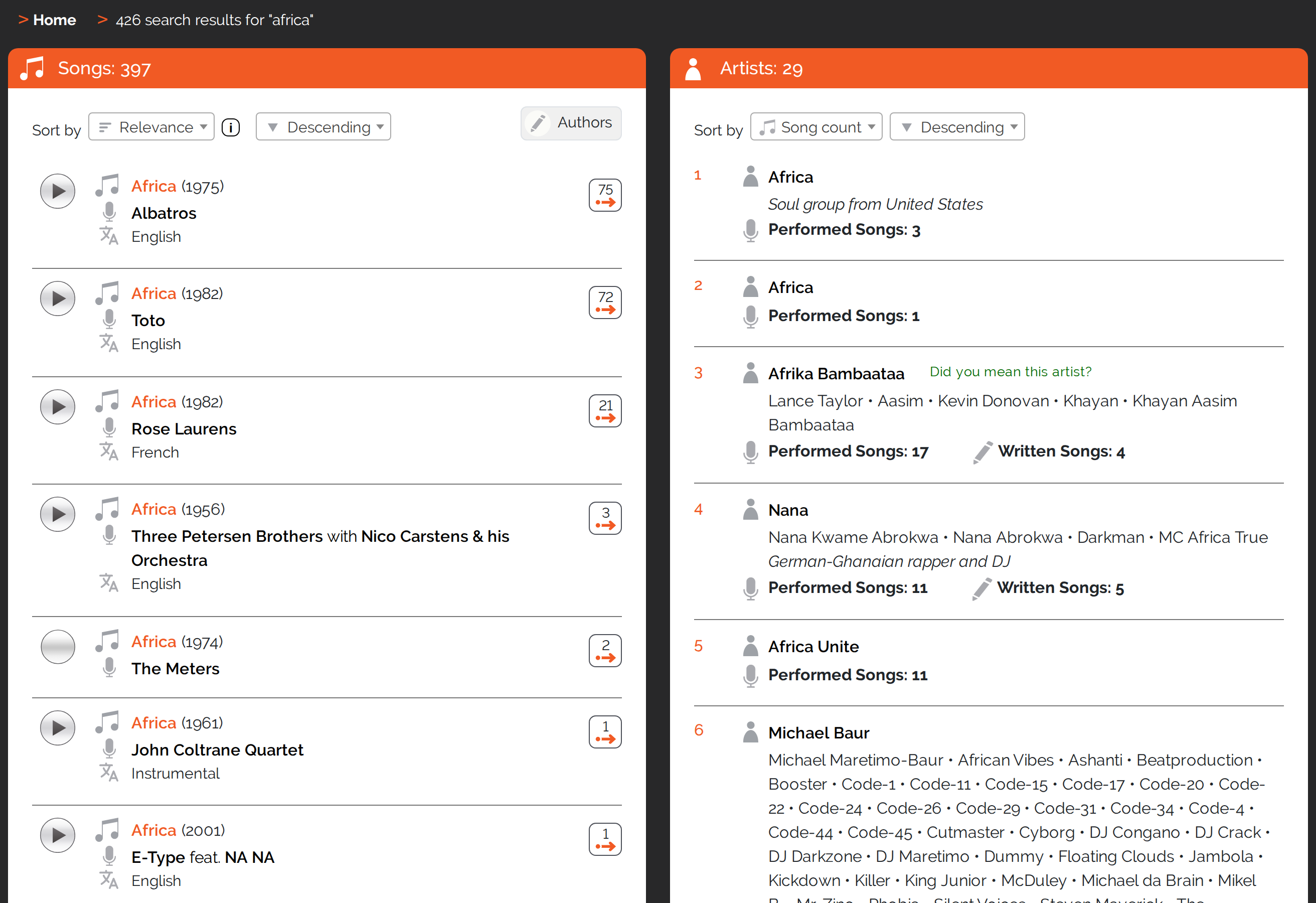
Once you submit the search – with the Enter key, the magnifier button or “Search more” – you land on the results page. There, songs and artists sit side by side, each list sortable on its own.
Showing And Hiding The Authors
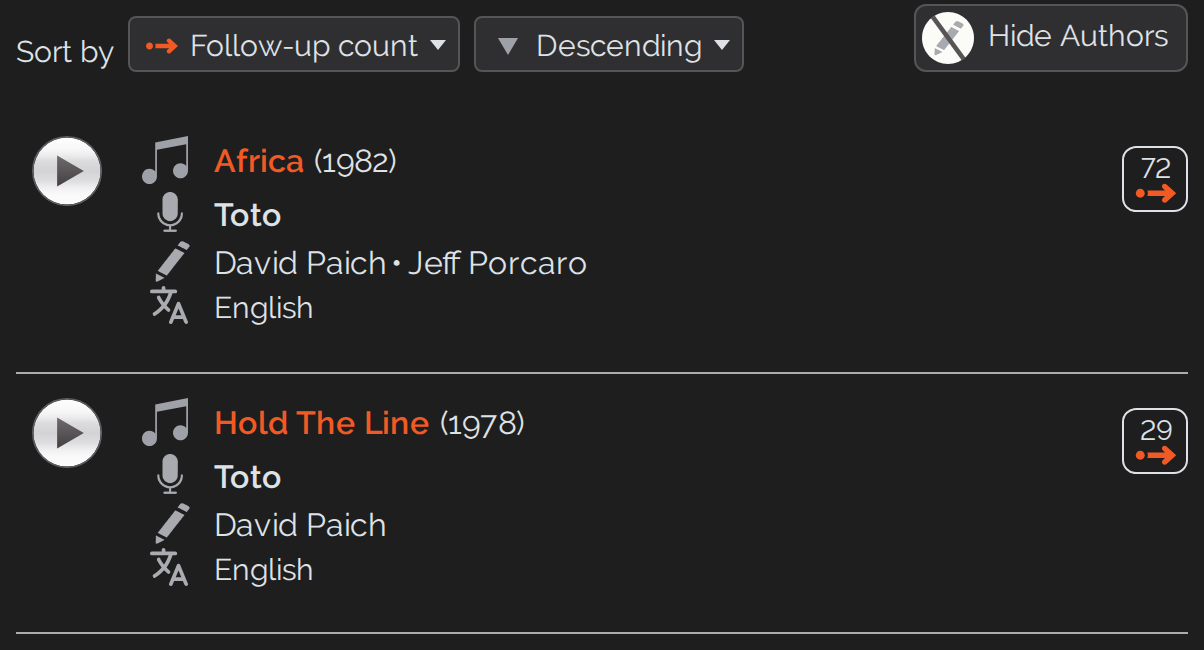
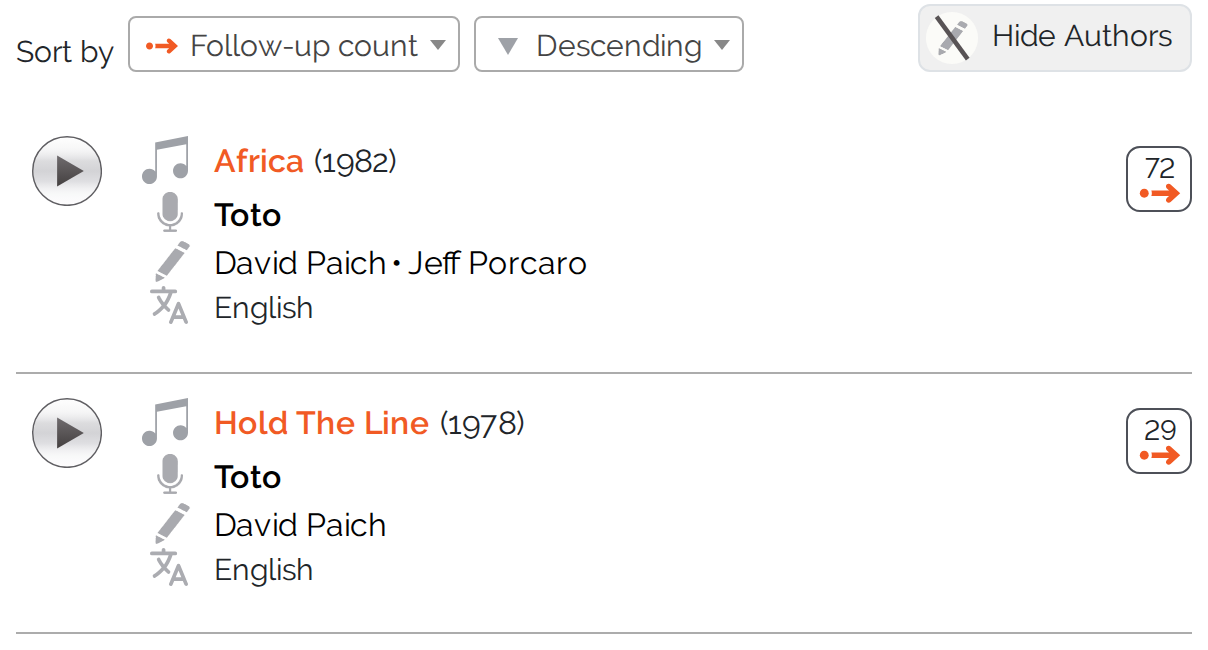
Until now you could only see a song’s authors on its own page. For better orientation they can now also be shown in the song lists: a switch above the list brings in the authors column and takes it away again, whichever you prefer.
Sorting To Suit You
Above every song list there are two select fields: sort by and the sort direction. You can sort by year, song, performer, language and – this is the default – by the number of follow-up songs. That way the songs that others have reused most often come first. For medleys, quotations and samples – and this one is new – “Order in the follow-up song” is added: the position at which the song appears within the follow-up song. In the list of initial songs it is then the default.
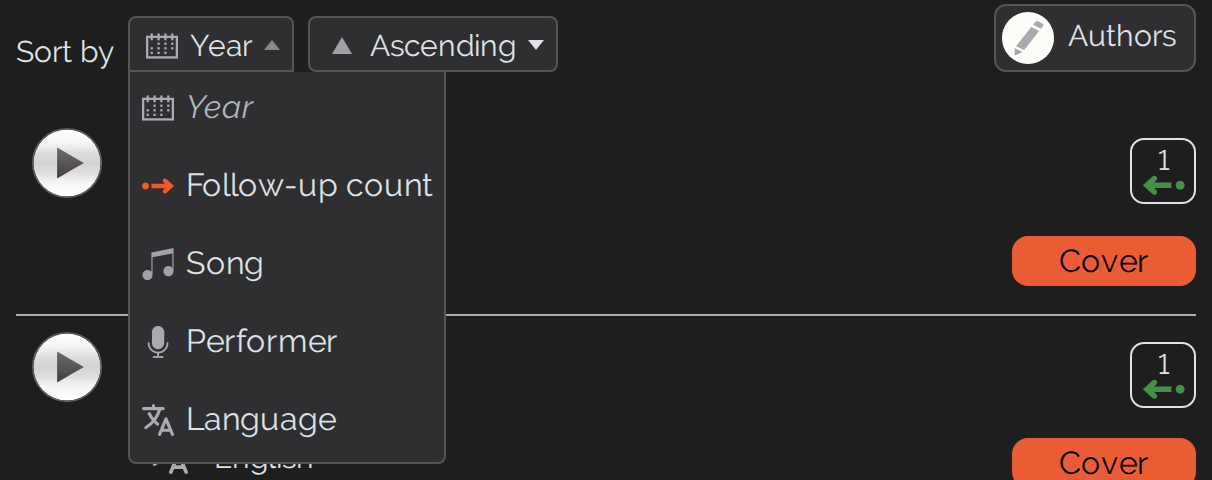
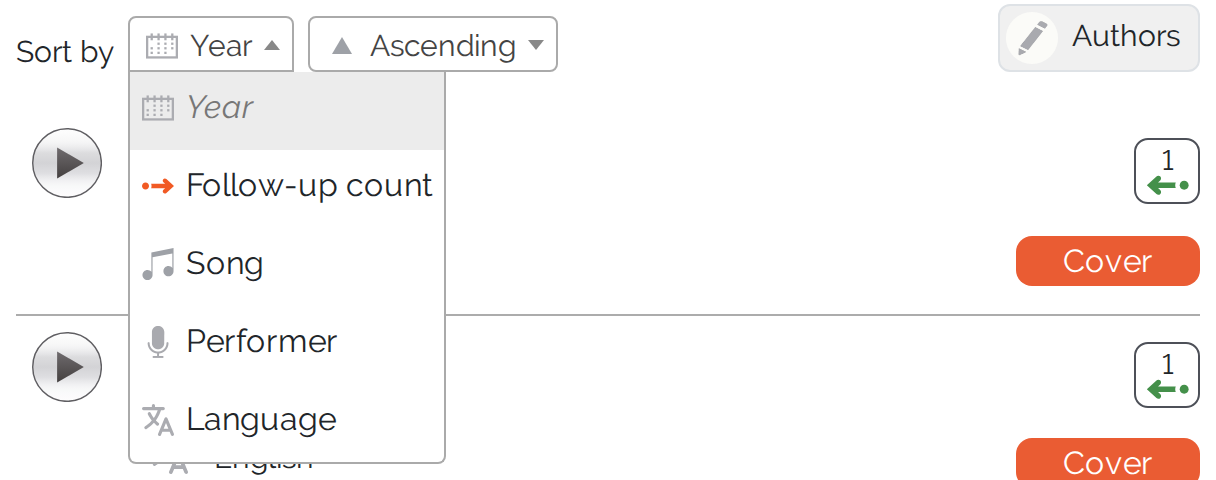
On the results page one more criterion is added, and there it is the default: relevance. Sorting by relevance means exact matches first, only then by follow-up count. Relevance is offered only where you have actually typed a search term – without one there would be nothing for it to rank.
Longer lists get a page counter – and with “Go to page” you jump straight to any position instead of paging through one by one. And if a list holds just a single entry anyway, you can skip it permanently with a checkbox – its detail view then opens right away.


The Relations View On Artist Pages
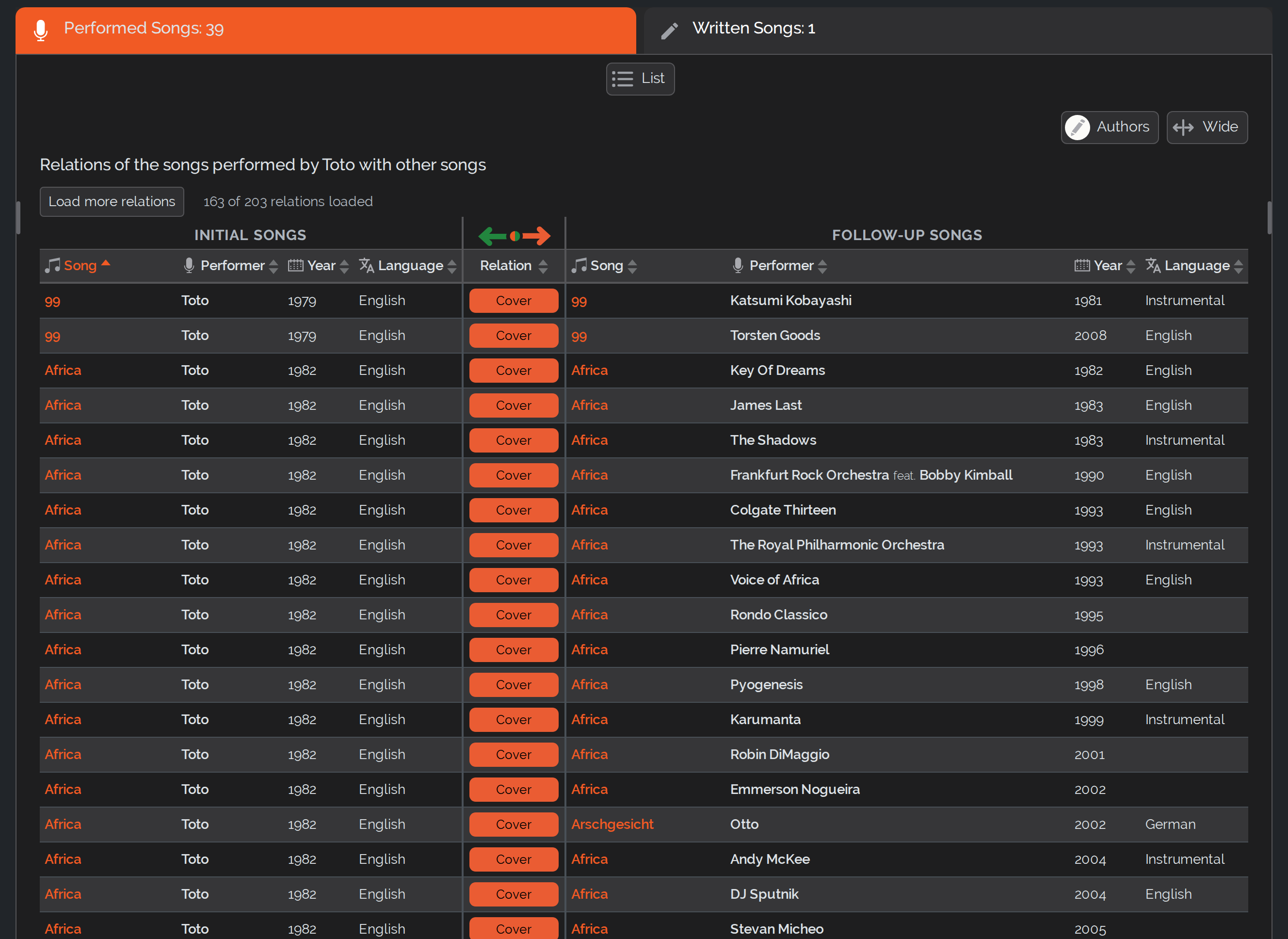
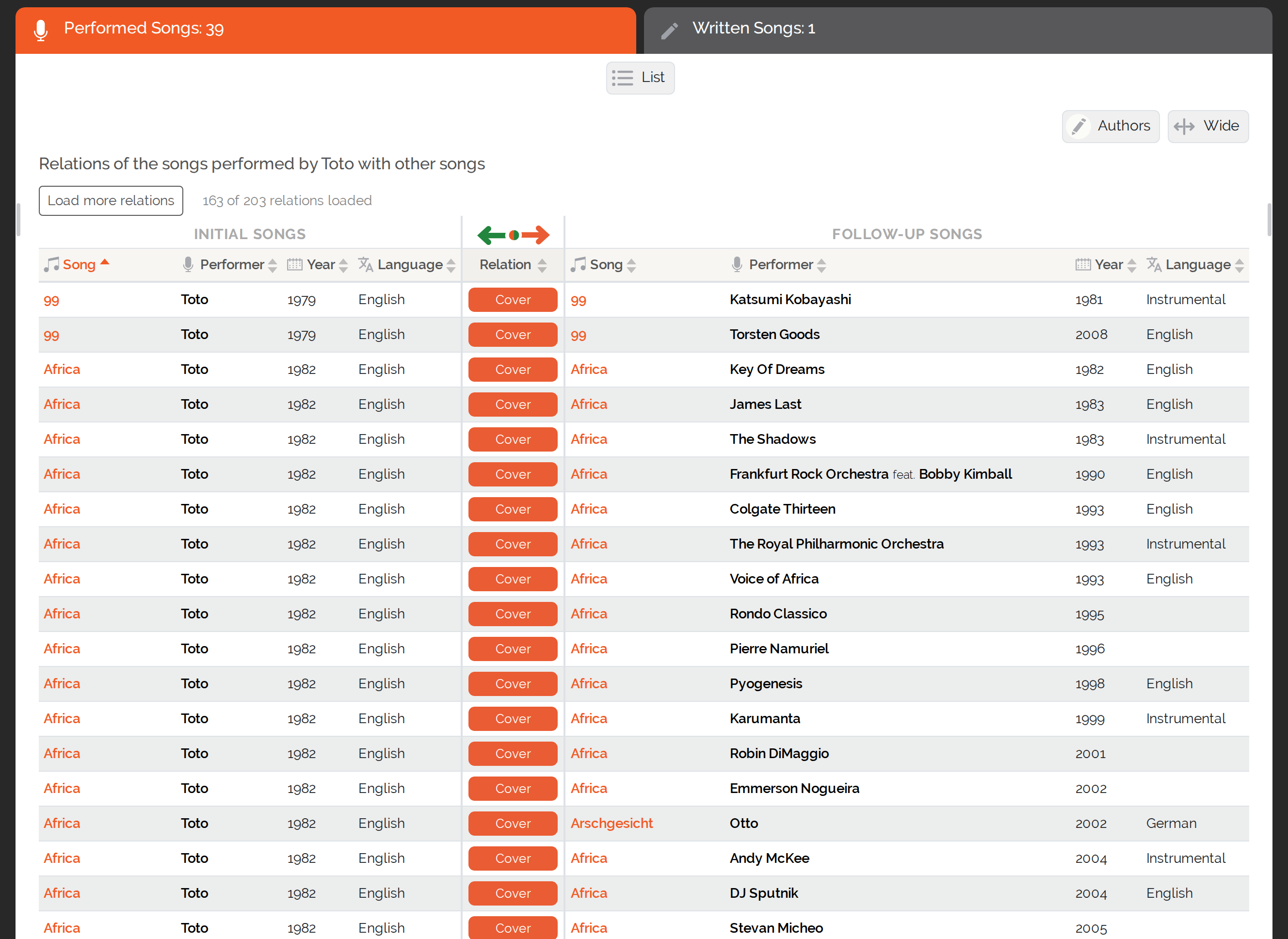
The relations view shows you all songs of an artist and, at the same time, which other songs they are related to. This lets you see, for example, which songs by others an artist has covered and, conversely, who has covered songs by this artist.
On the artist pages you switch between the classic list view and the relations view. The relations view presents initial and follow-up songs side by side; the labels take you straight to the matching song view.
New: the relations view is now also available for an artist’s written songs, no longer only for the performed ones. And it is now available on smartphones as well.
New: Classical Works And Their Parts
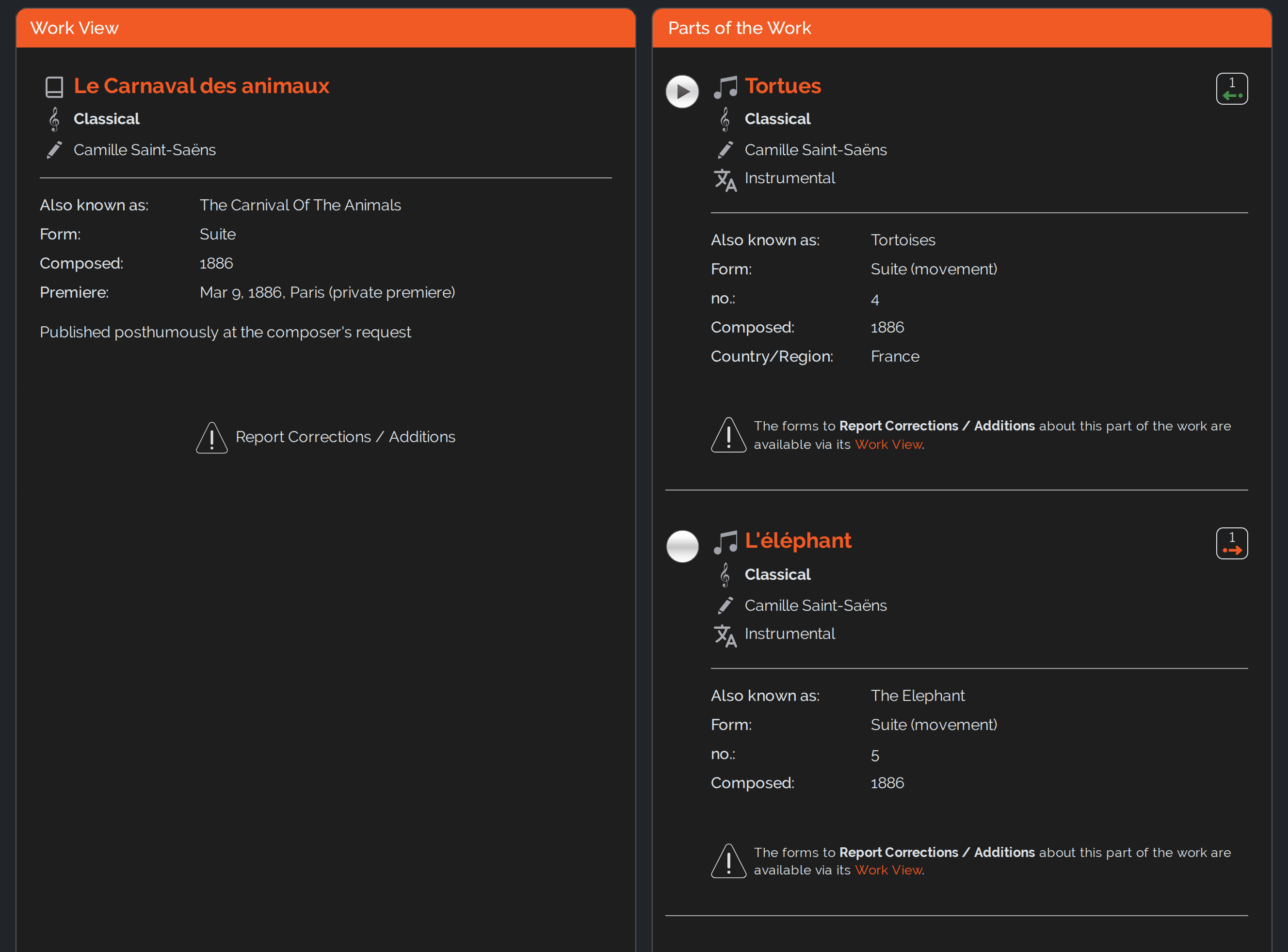
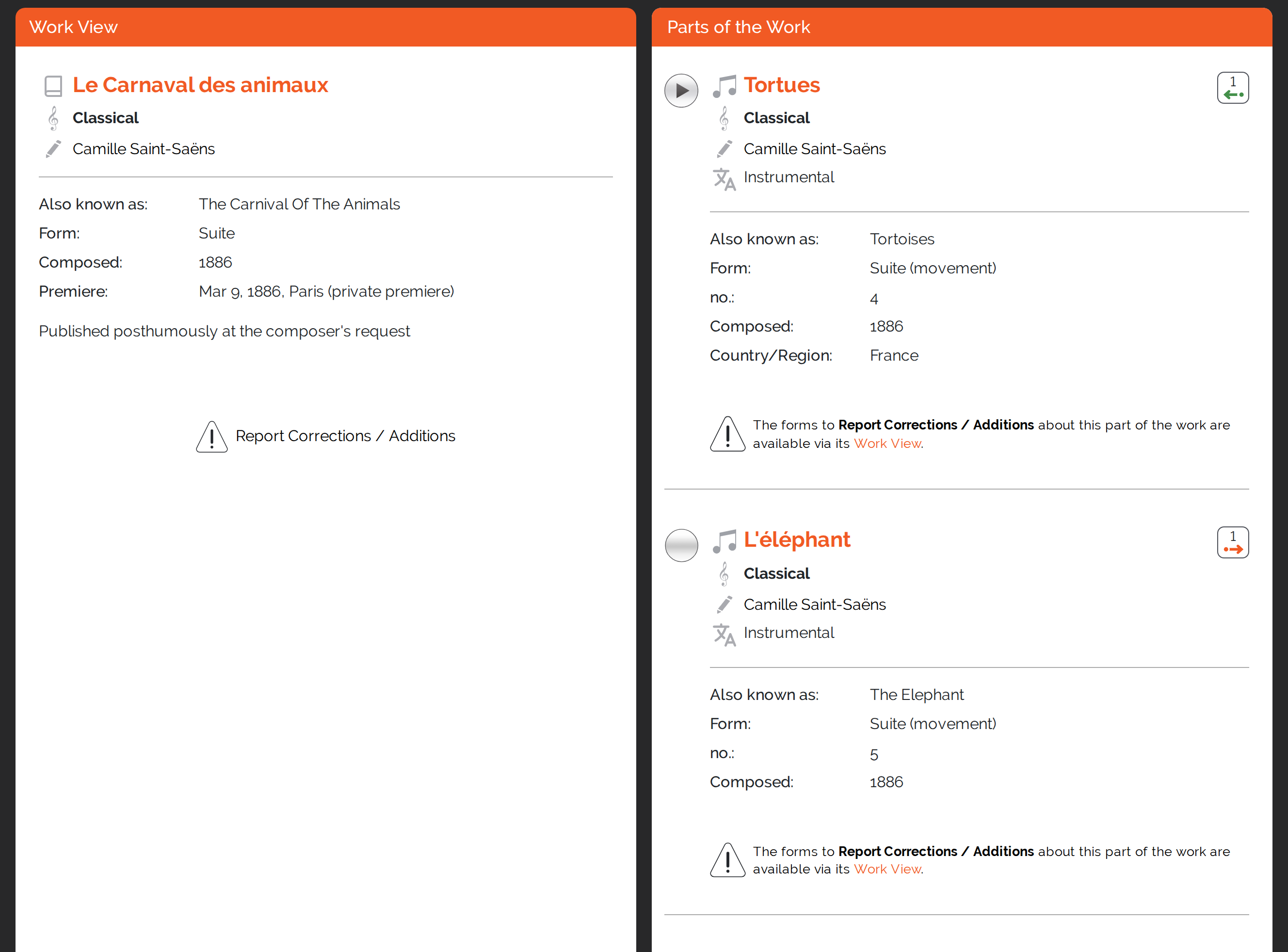
For classical music, the song pair alone is not enough: an opera, a ballet or a symphony consists of many parts, and what gets covered or quoted is usually a single movement or a single aria. That is why there is now a work view of its own: on the left the work with its form, year of composition, premiere and the titles it is otherwise known under – on the right its parts, each with its numbering.
Every part of a work is at the same time an ordinary song with its own page and its own initial and follow-up songs. Conversely, on the song page of a classical piece the line “From the work” takes you to the work as a whole.
You can see what that looks like with The Carnival of the Animals by Camille Saint-Saëns: we have already moved all of his pieces into the new classical format. The remaining works will follow step by step.
Jump Straight To The Right Spot In The Video
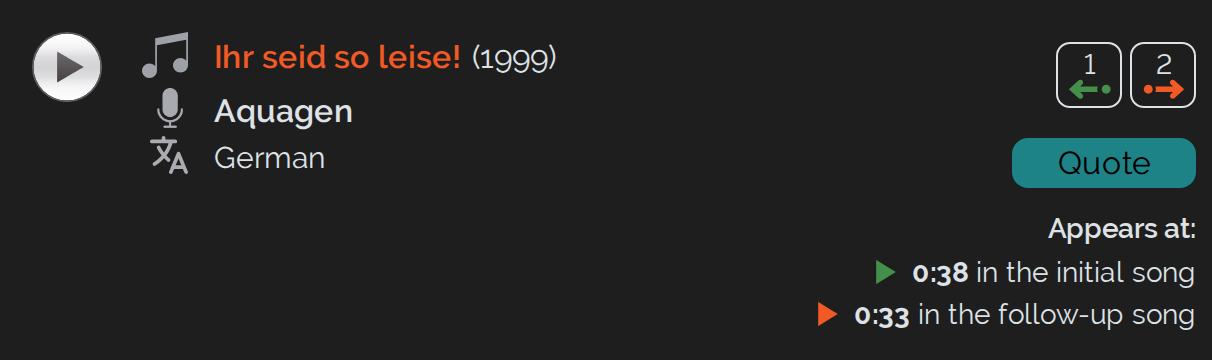
Many relations between songs have a time stamp – for instance the point where a sample or a quotation begins. What is new is that a play button on the time stamp lets you jump straight to that exact spot in the video, instead of having to search for it yourself.
Light Or Dark – As You Like
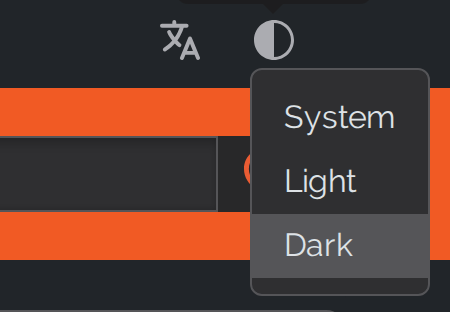
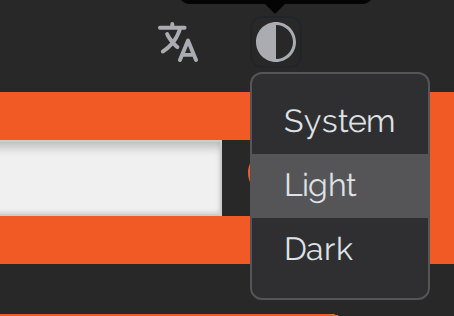
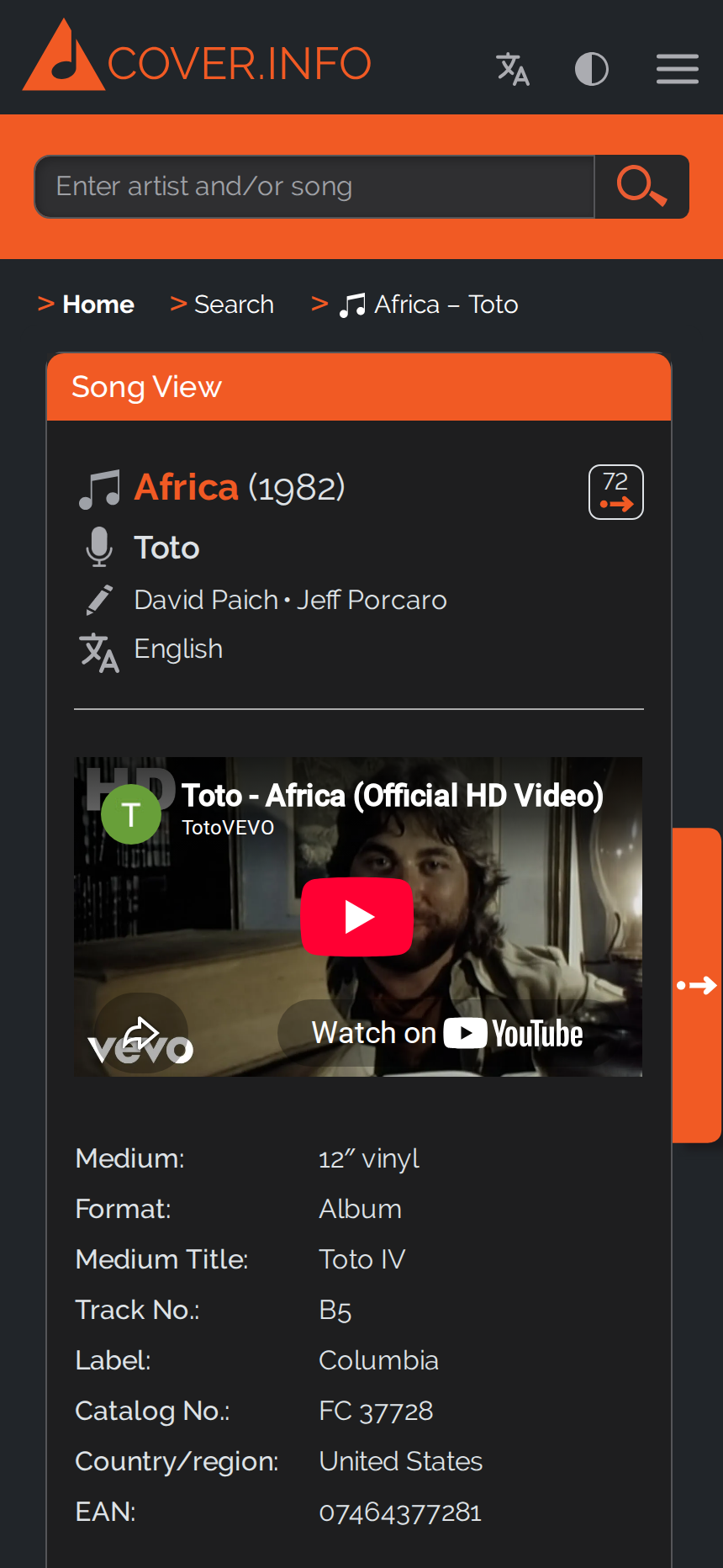
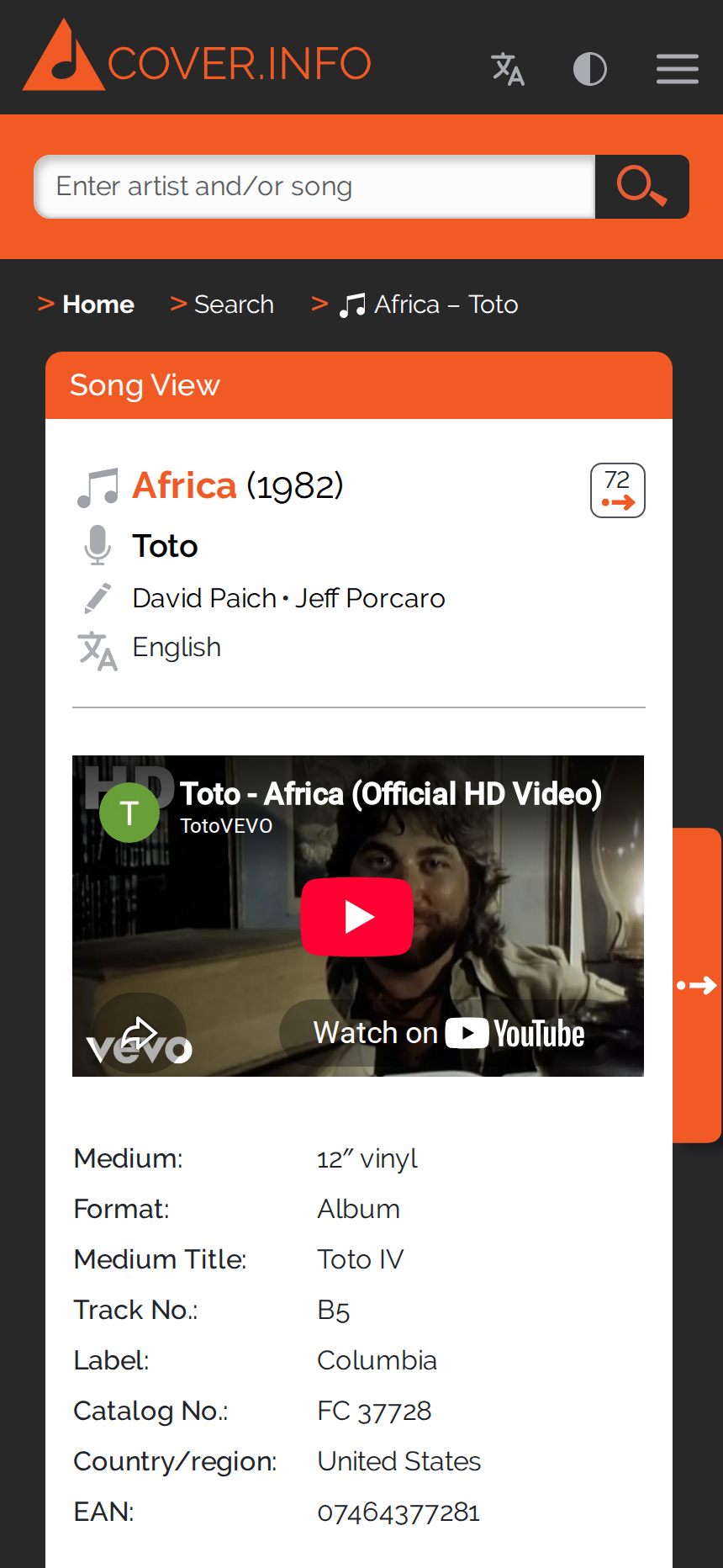
COVER.INFO now has a dark mode. Using a switch you choose between Light, Dark and System. The “System” setting means that the site automatically follows the setting of your operating system or browser – if your device is set to dark mode in the evening, for example, COVER.INFO will appear dark too. Your choice is remembered.
New: Song Highlights
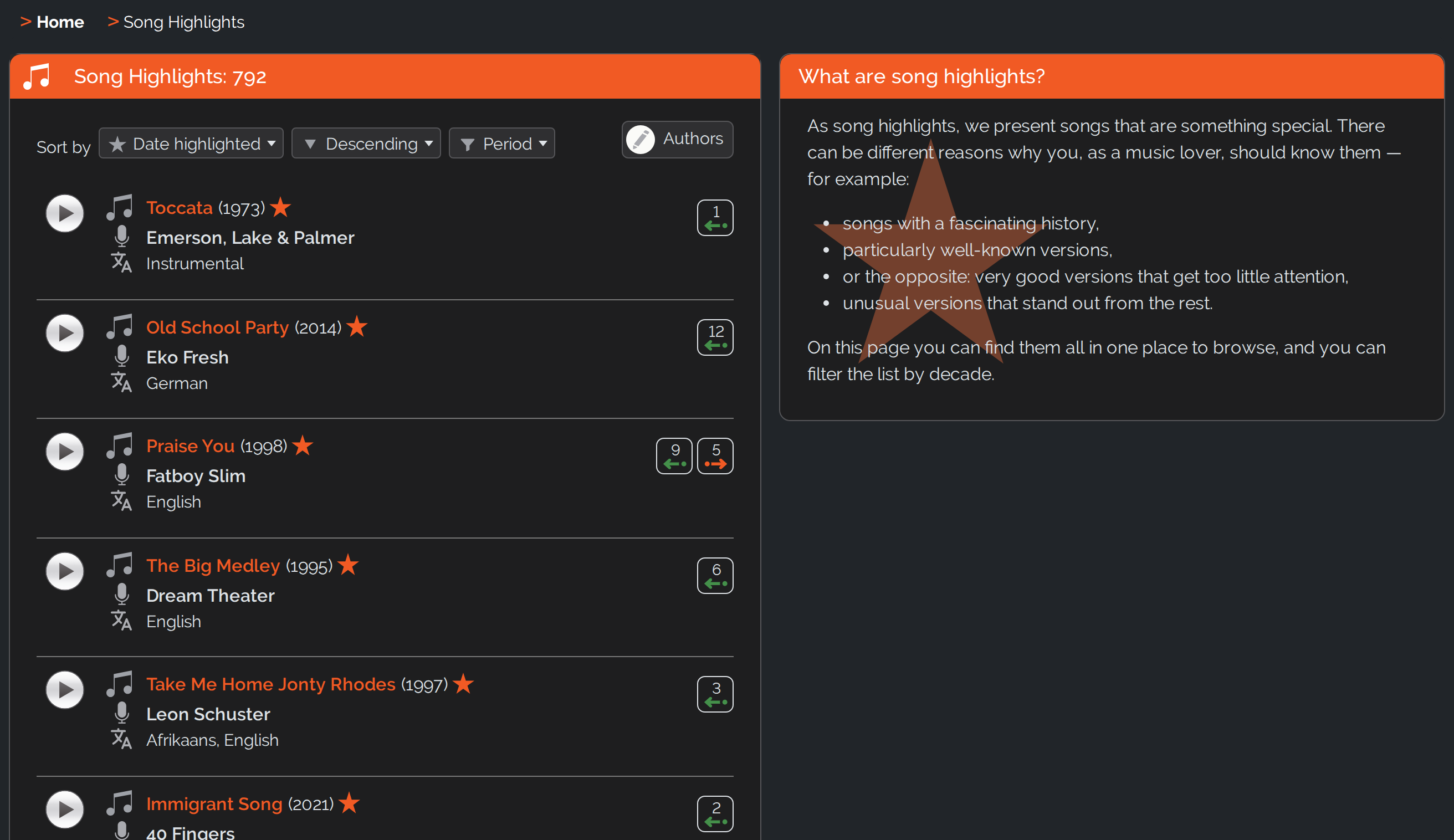
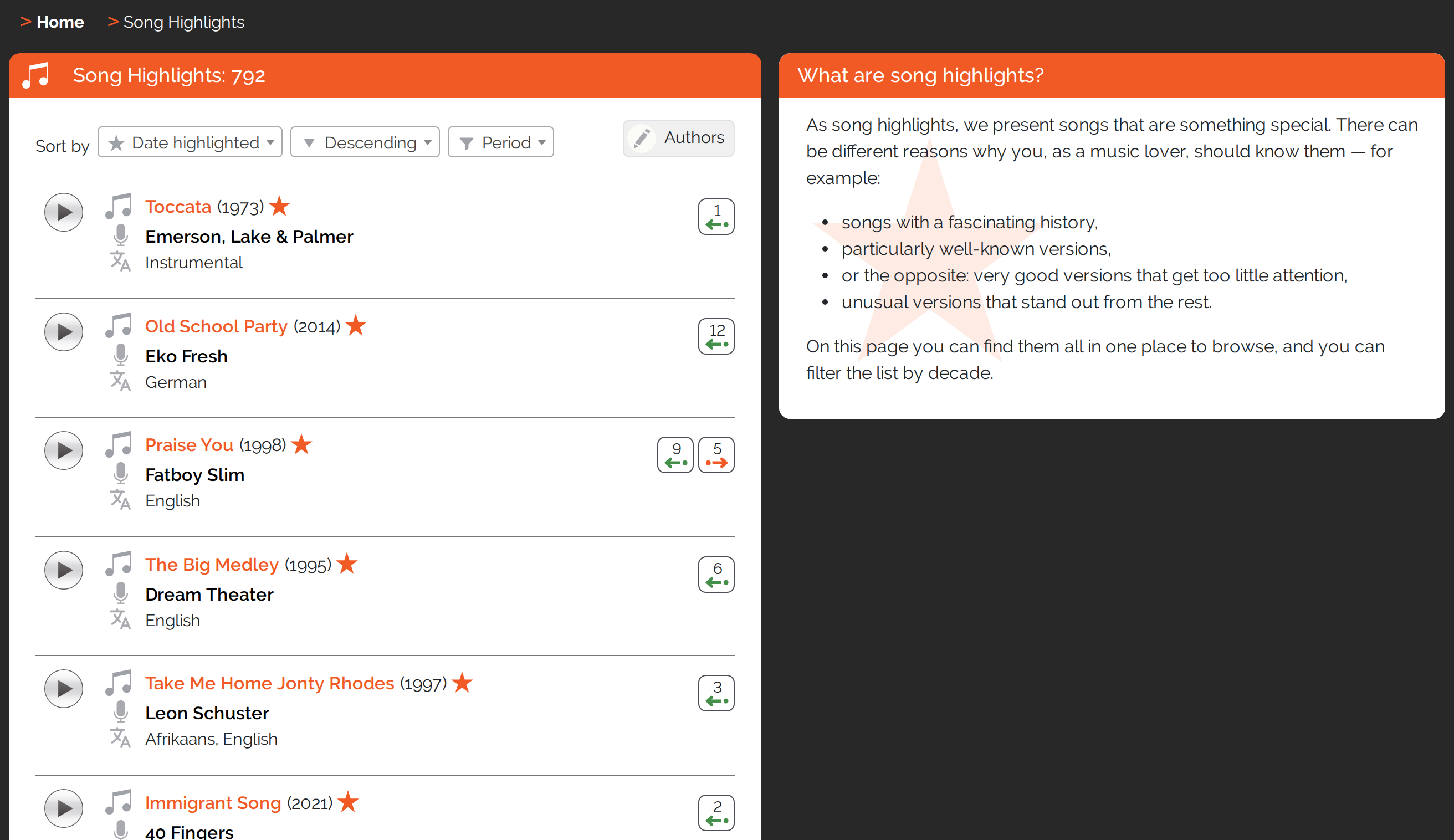
Our editorial team marks particularly interesting songs as highlights. You can spot them in all song lists by a star, and on the dedicated Song Highlights page you can browse through them – filtered by period, if you like.
New Start Page With Numbers
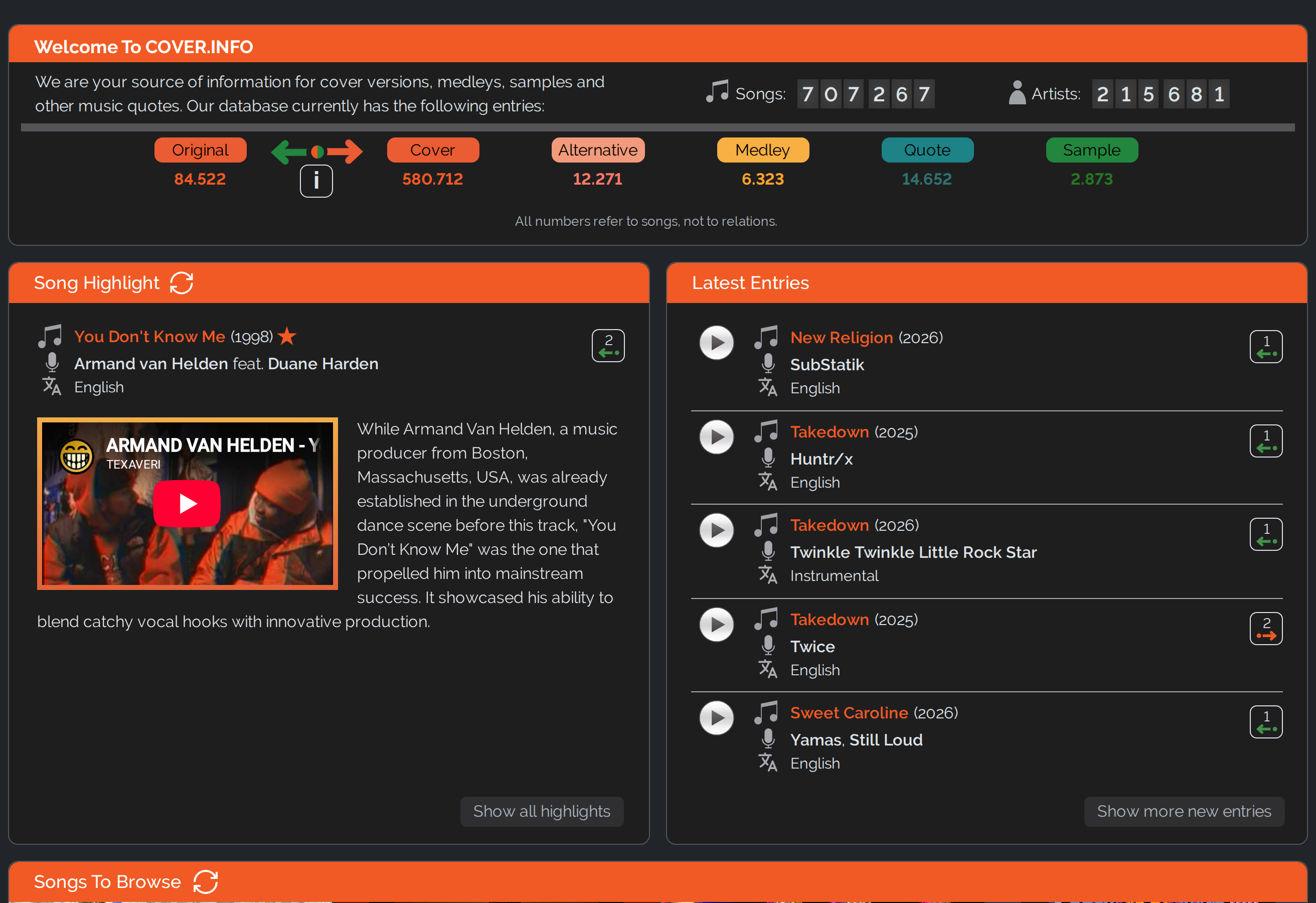
We have redesigned the start page. It shows you a detailed song highlight with full text and video as well as the latest entries in the database.
Also new are the statistics: a counter shows you how many songs and artists the database currently contains – and how many songs have been covered, how many are themselves a cover or alternative version, form a medley, or contain a music quotation or a sample. So you can see at a glance how COVER.INFO is growing.
On the Latest Entries page you can now look further back than before: the period can be set from 24 hours through 3 and 7 days up to 30 days.
DIS.COVER – The Magazine Replaces The Blog
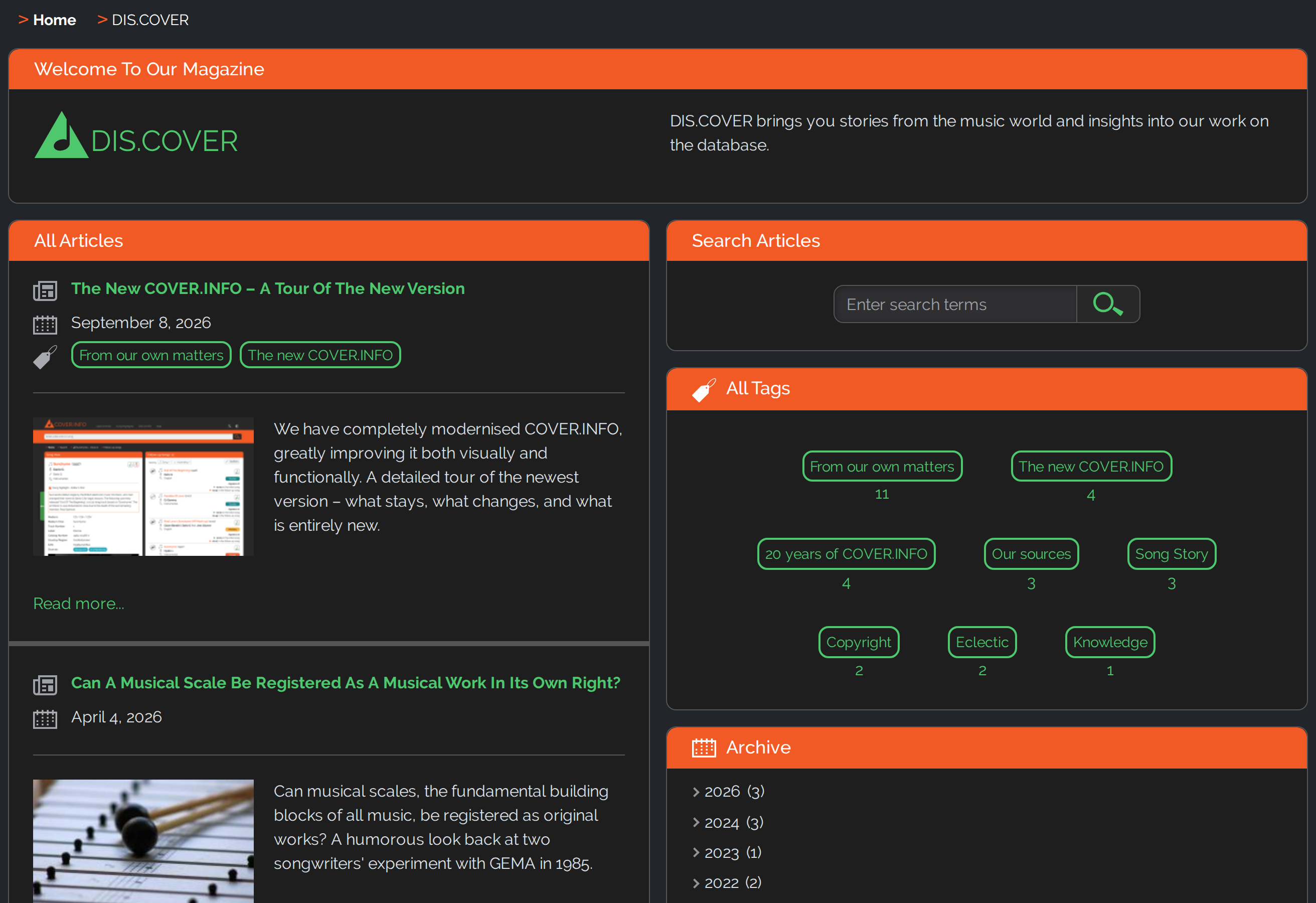
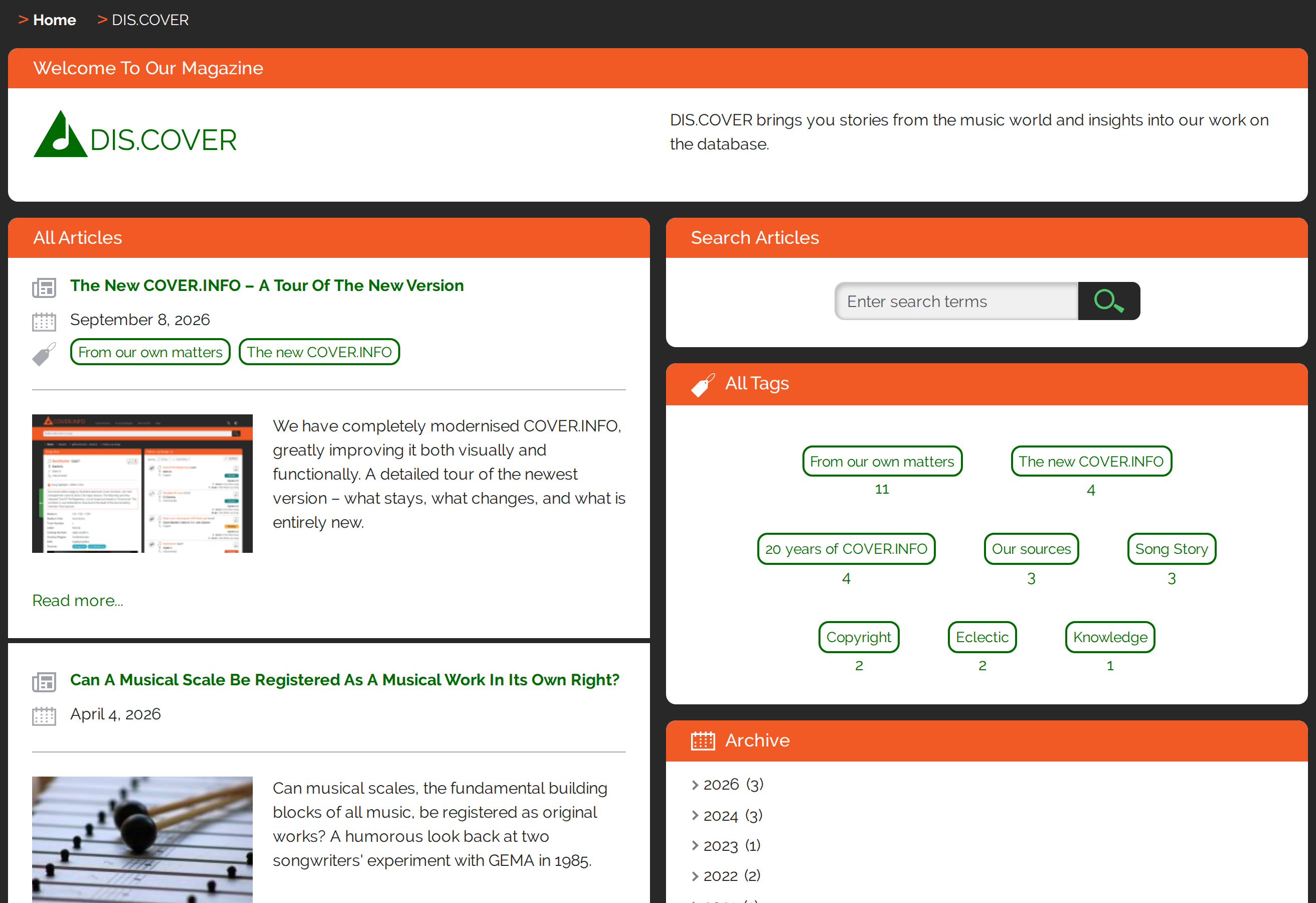
Our magazine DIS.COVER is now an integral part of the website and replaces our previous blog. We have brought over the best articles from the old blog, and new posts – like this one – appear directly on COVER.INFO. You can search the articles and subscribe to the magazine via RSS feed so you never miss a post.
Always Knowing Where You Are
Brand new is the breadcrumb navigation – the small path indicator at the very top of every page that shows you where you are. On a song page it reads, for example, "Home > Search > [song]"; on a magazine post "Home > DIS.COVER > [title]". A click on "Search" takes you back to your last search results, and very long titles are shortened automatically.
On a song page the breadcrumb bar can additionally show “Initial songs” or “Follow-up songs” and, when a detail view is open instead of a list, “Details” behind it. Clicking any element set in bold takes you back to the matching content. On a phone, where only one box is visible at a time, the breadcrumb bar therefore always names the box you are currently in.


COVER.INFO On The Go
COVER.INFO is now fully usable on a smartphone: one box is visible at a time, and you switch comfortably by swiping or using the arrows. With this much information, however, the presentation on a small screen is inevitably not as clear as on wide screens. That is why we recommend a desktop computer for intensive use of COVER.INFO.
A Few More Things Worth Knowing
The addresses of the individual pages (URLs) remain readable – they still contain the song title and the performers. What is new is a unique number in the URL: it keeps every link permanently unambiguous, even when several songs or artists share the same name.
We are aware that a layout showing a lot of information side by side can look busy at first. Our aim was to make good use of the space available on a desktop computer and show you more information at a glance.
We would be very glad to hear your feedback on the new version – it helps us keep improving COVER.INFO.




Write a comment