Help
Database Structure
On COVER.INFO we show you how melodies have been reused in history – as cover versions, medleys, samples, and quotations, which we summarize under the general term follow-up songs.
The counter-part are the so-called initial songs. For example, the initial song of a cover-version is called an original. We will come to the details later.
You can only compare songs pairwise because the role of a song can only be determined in relation to another. For example, a song can be a cover version of an original and at the same time be the source for a sample in a third song.
Every considered song can be compared, if available,
- with the initial songs
 from which the song is derived in the box on the left of this song
and/or
- with the
 follow-up songs which are derived from the considered song in the box on the right of this song.
Short:
Initial Song(s) Song Follow-up Song(s),
while not every song needs to have relations in both directions.
For each song we indicate in a so-called song count the number of its initial songs or the number of its follow-up songs that we have in our database.
Example:
 3
3  7
7This means that the considered song is based on 3 other songs (initial songs), and at the same time 7 other songs are derived from it (follow-up songs).
You can click on song counts to quickly get the list of these songs.
Definitions of Song Relations
Colored labels indicate the type of song relation, for example a cover version, a medley, a sample or another kind of musical quotation.
Original  Cover
Cover
A cover version or cover song is a new release of an existing piece of music which has been performed by another artist than the original one.
All significant parts of the original melody have been used. The lyrics can, but don't need to be the same as in the original version.
The original version in the sense of our database is the first released version.
Example: “I Will Always Love You” by Dolly Parton (1974) and Whitney Houston’s cover version (1992) – Here the cover version is better known than the original.
Original Alternative
As alternative versions we list other versions of the original version in which the original performer is involved, especially versions in another language.
Differently from the definition above, you could also call them "self cover versions". But we consider them as belonging to the original. Thus it is a special relation type.
Example: “99 Luftballons” by Nena (1983) and her English version “99 Red Ballons” – The same performer, a different language.
Medley Source Medley
A medley, often also called potpourri, is a piece composed of parts of several songs, played one after another, sometimes with overlapping.
Example: “Venus” by Shocking Blue (1969) inside “Stars On 45” (1981) – The medley strings several songs together, mostly Beatles titles.
Quote Source Quote
A musical quotation or quote is a part of a piece of music which is used in another piece of music.
Example: “La Marseillaise” (1792) in “All You Need Is Love” by The Beatles (1967) – The horns quote its opening bars right at the start.
Sample Source Sample
A special case of a musical quotation is a sample. This is a quotation which is not played anew but taken from the original recording.
Example: “Under Pressure” by Queen & David Bowie (1981) in “Ice Ice Baby” by Vanilla Ice (1990) – The bass line is taken from the older recording itself.
Work Co-Original
In rare cases, a song has been firstly released in different versions on the same day. Then it is impossible to designate one original version. We call simultaneously released first versions of a song its co-originals while displaying a general data set as a placeholder for their initial song.
Example: “Nel blù, dipinto di blù” – released on the same day in 1958 by Domenico Modugno and by Johnny Dorelli – There is no telling which was first, so the placeholder lists them both.
Searching
Songs, artists and classical works are all found through a single search field. It sits at the top of every page. The search covers song titles, artist names, name variants and further details at the same time – so you do not have to decide beforehand what exactly you are looking for.
The Search Field
Type your term and press Enter, or click the magnifying glass. The × on the right clears the field again.


Suggestions As You Type
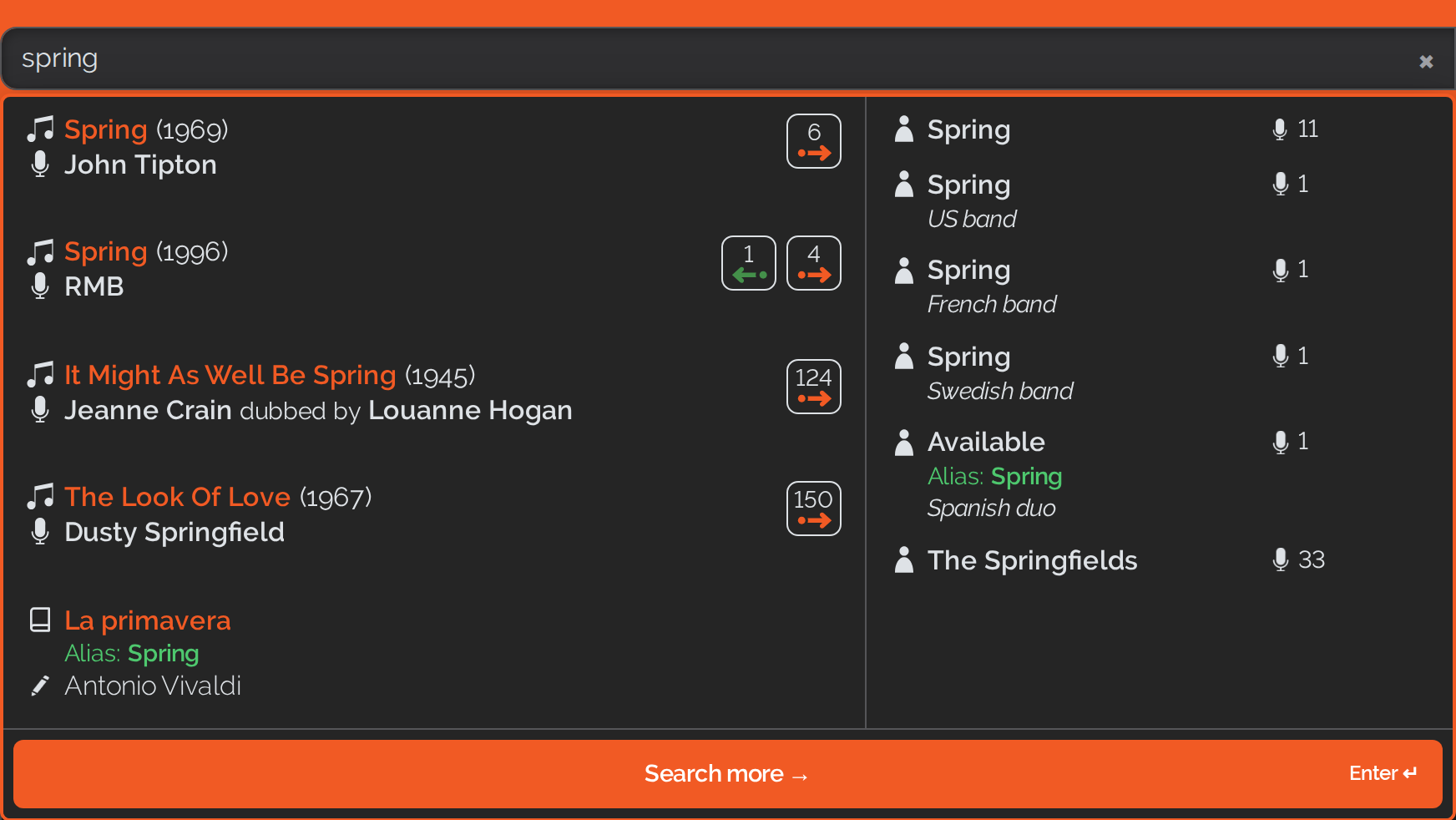
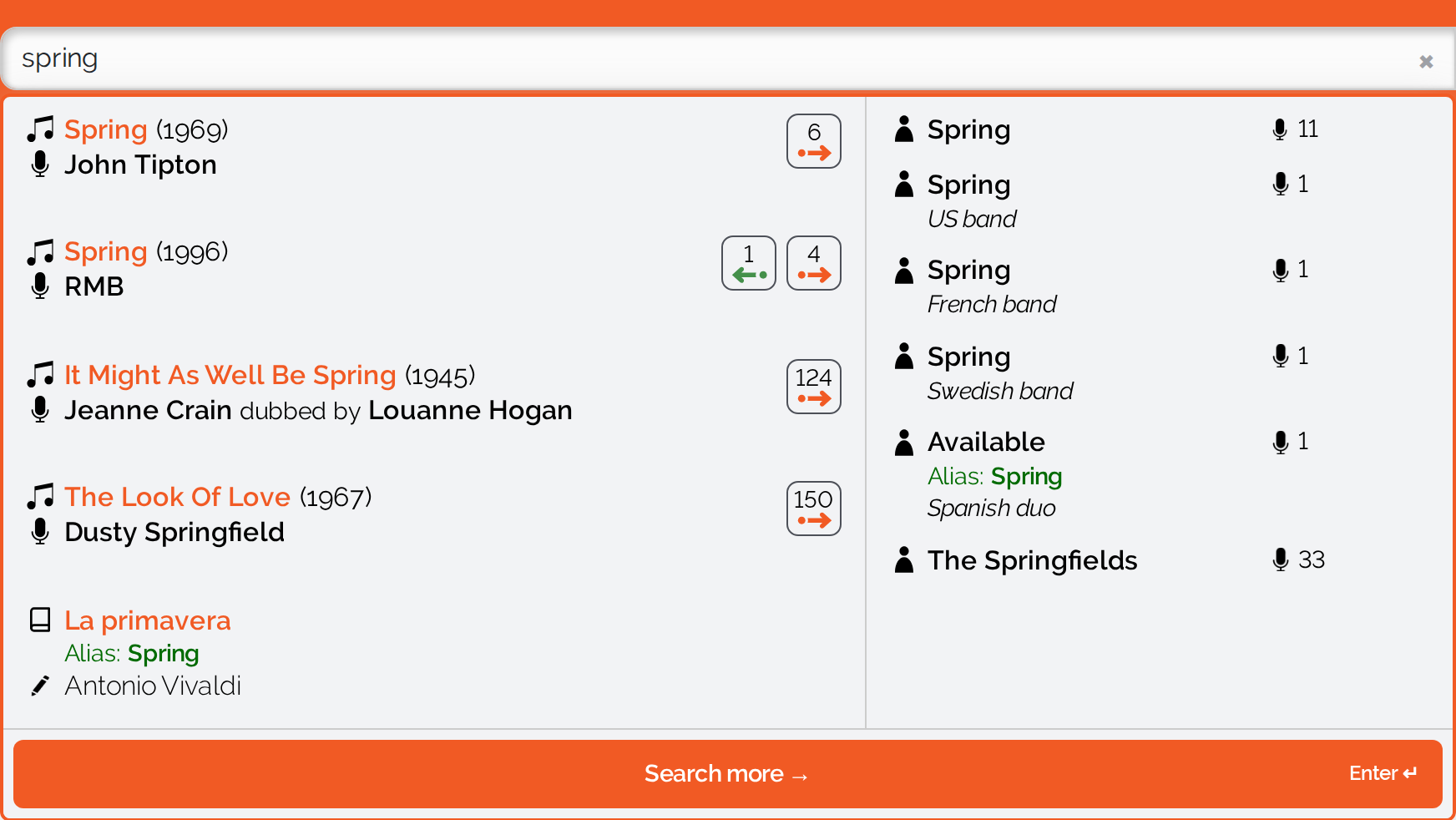
From the second character on, the search starts making suggestions. On a wide screen, songs are on the left and artists on the right; on narrow screens both appear one below the other in a single mixed list. Clicking a suggestion takes you straight to that record; the “Search more” button takes you to the full result list instead – on a phone it sits at the top so the on-screen keyboard cannot cover it, otherwise at the bottom.
On a phone the same panel looks like this:
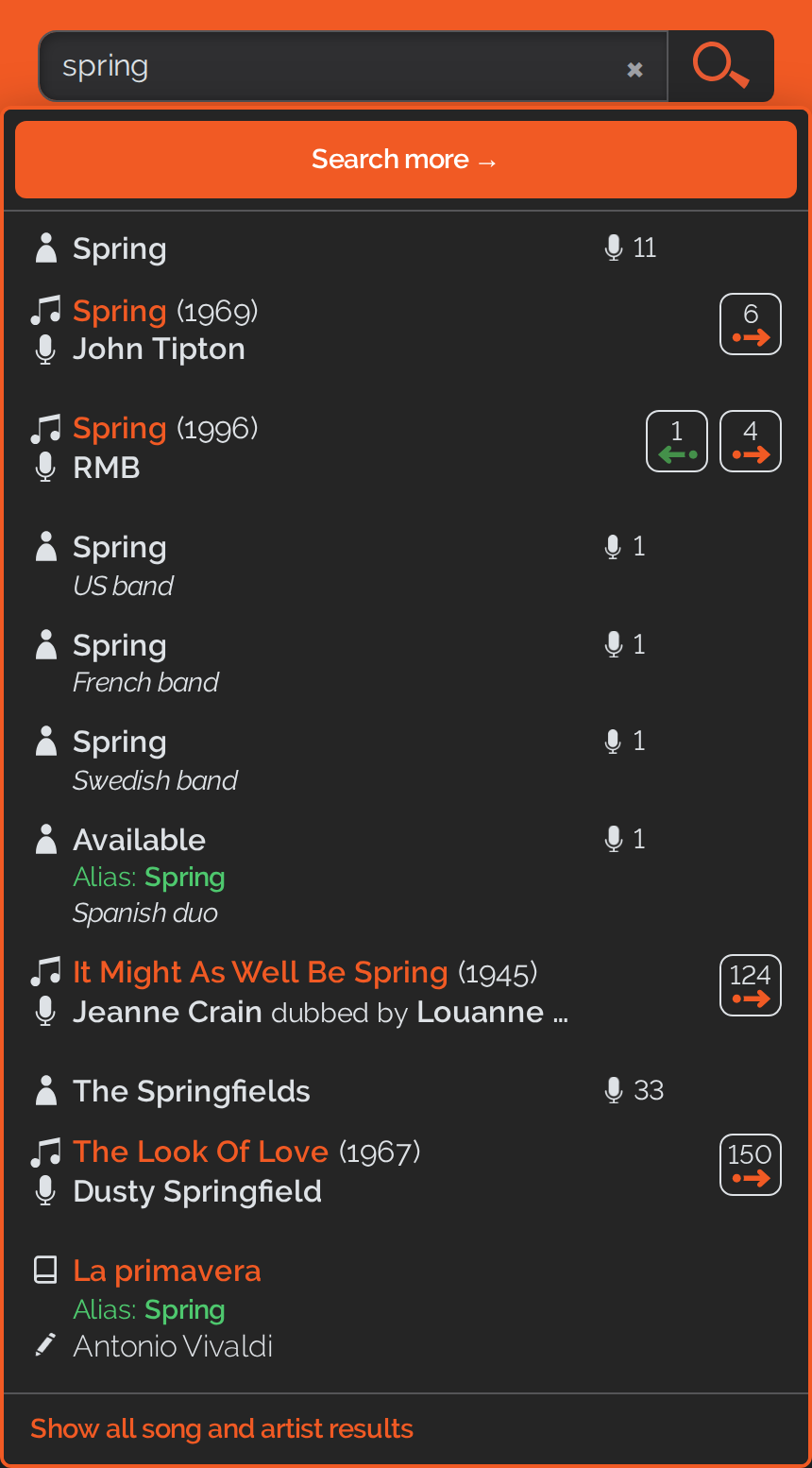
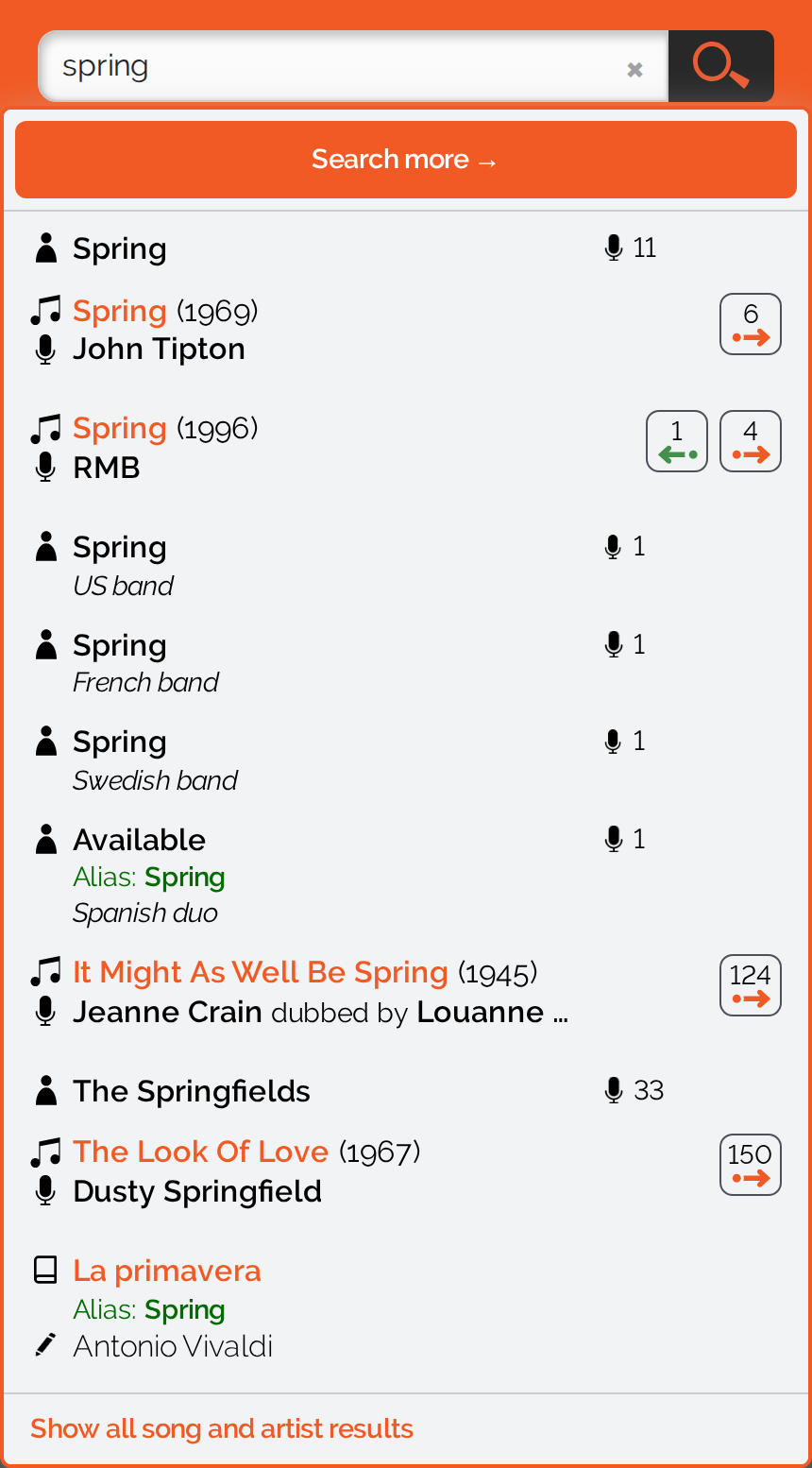
The suggested results carry the same song counts as everywhere else on COVER.INFO, and for artists the number of songs they have performed and/or written. Three additions tell you why a suggestion was found:
- Alias: … – what matched was not the title or name shown, but a variant of it: another title of the song, a popular title of the work, or a different name of the artist.
- on medium: … – what matched was the title of the medium the song first appeared on.
- Did you mean this song? – the song fits what you typed but does not visibly carry it anywhere. Behind this are stored spellings; see the next section.
Performers who are not credited on the release are shown in grey. Parent classical works are only found here, in the suggestion panel – the search results page lists songs and artists. The individual movements of a work, by contrast, are songs and appear in the result list like any other.
How The Search Works
- The beginning of a word is enough. “Beatl” finds the Beatles.
- Upper and lower case, umlauts and accents make no difference. “jurgens” finds Udo Jürgens, “saens” finds Saint-Saëns.
- With several words, all of them must occur. “yesterday beatles” only returns what carries both – and the words may sit in different details, one in the title, the other in the performer.
- Quotation marks search for the sequence of words.
"Hey Jude"asks for those two words in exactly that order. They have to be the straight quotation marks – typographic ones have no effect. - A phrase can be combined with single words.
Beatles "Hey Jude"looks for both at once, the performer and the phrase, and narrows the result down to the versions by that band. - Common misspellings are stored. Many songs and artists carry additional search terms that we never display – they are there so that you still find the right song when you spell it wrong. Where a hit came from those alone, the line asks back: “Did you mean this song?”
- Folk songs can also be found via “Volkslied”, “Folksong” and “Folk song”.
The Search Results Page
The full result list shows two boxes side by side: songs on the left, artists on the right, each with its count in the heading. The line above them gives the total and your search term.
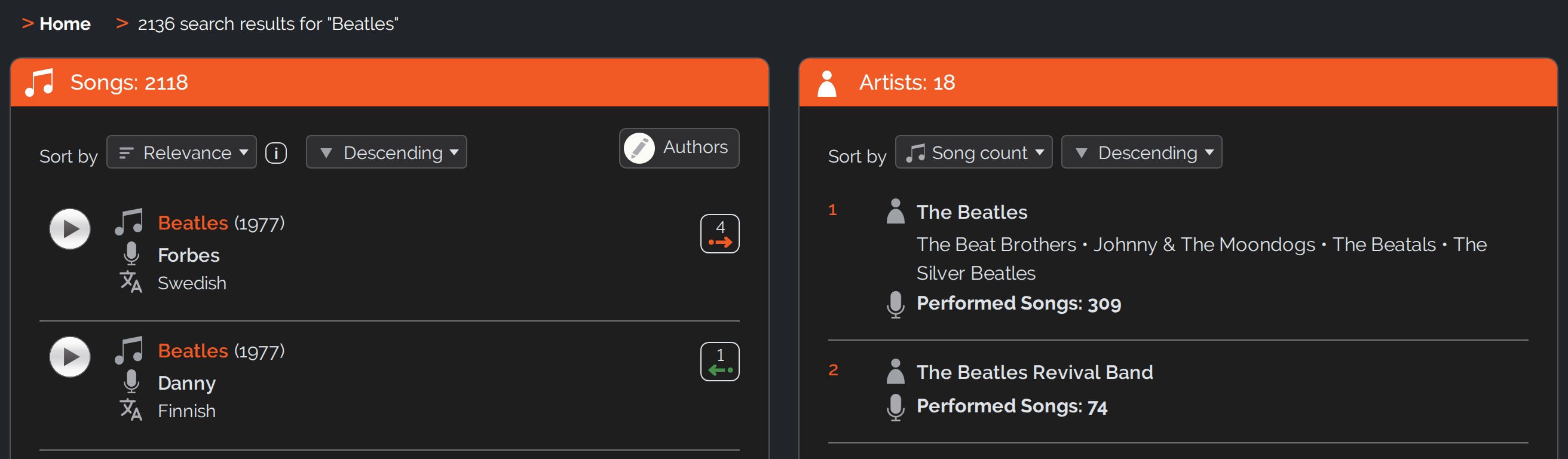
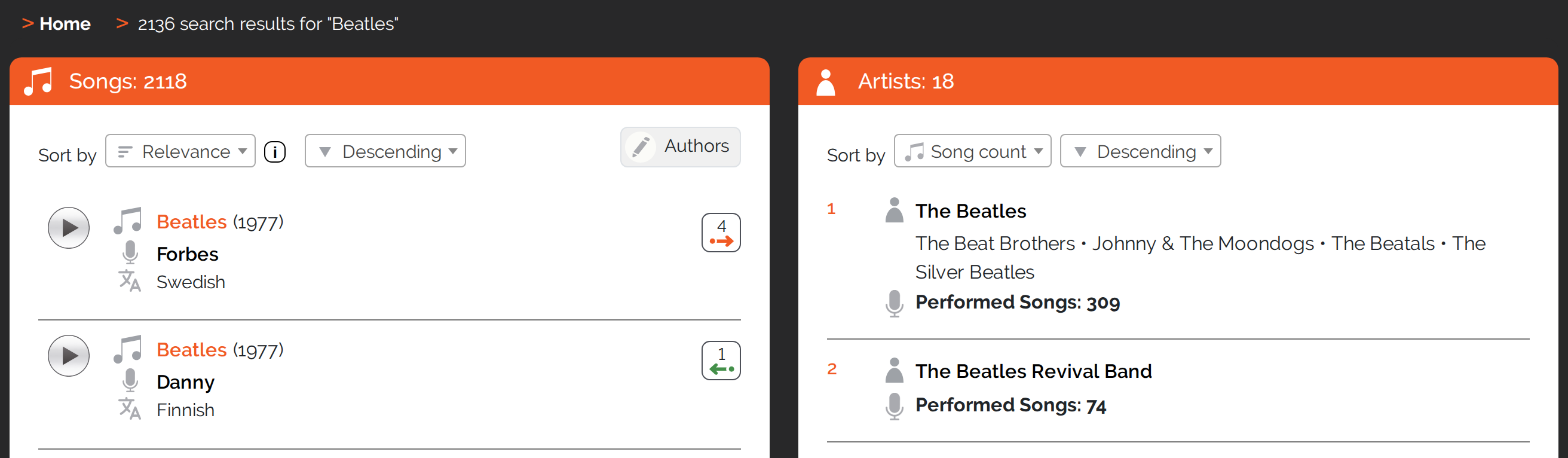
A song line gives the title and year of release, below that the performer and the language, and the song count on the right. An artist line gives the name, the name variants and the number of songs performed and/or written.
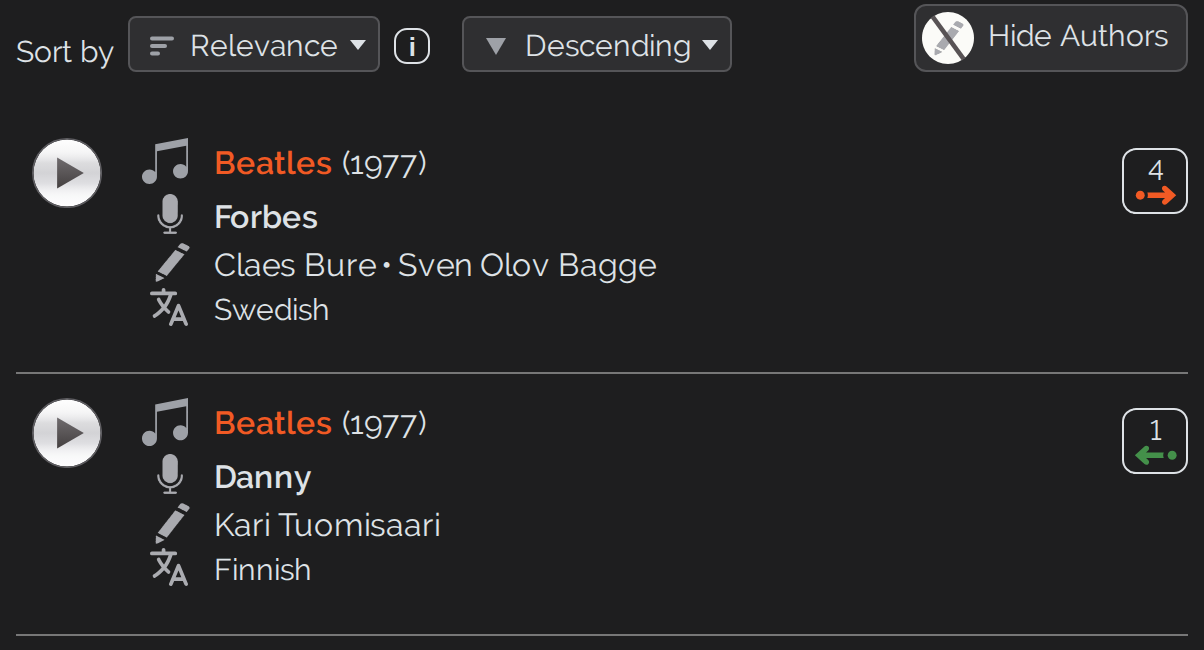
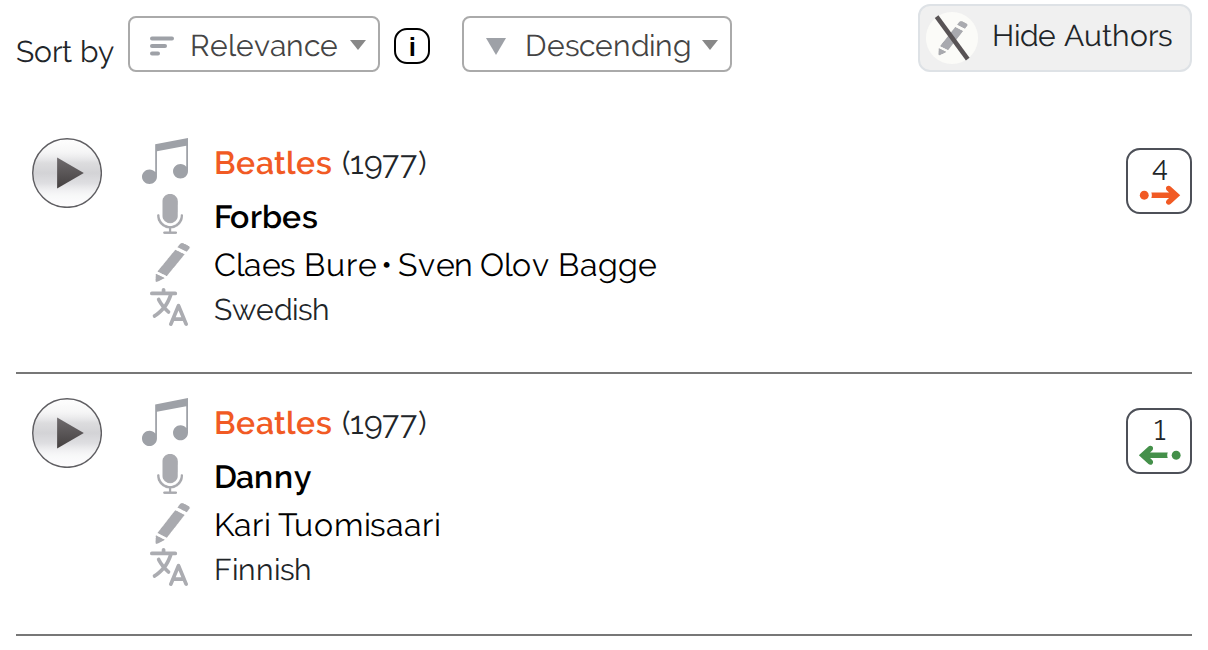
The “Authors” switch above the song list brings in the authors as an additional line; afterwards it reads “Hide Authors” and takes them away again.
On a phone only one of the two boxes is visible at a time. There they sit as two tabs above the list – tapping “Artists” brings the artist list to the front.
Sorting
Each of the two boxes is sorted on its own. Songs offer six criteria – relevance, follow-up count, performer, song, year and language – and next to them you choose ascending or descending. The artist box has four of its own: song count, name, performed songs and written songs.
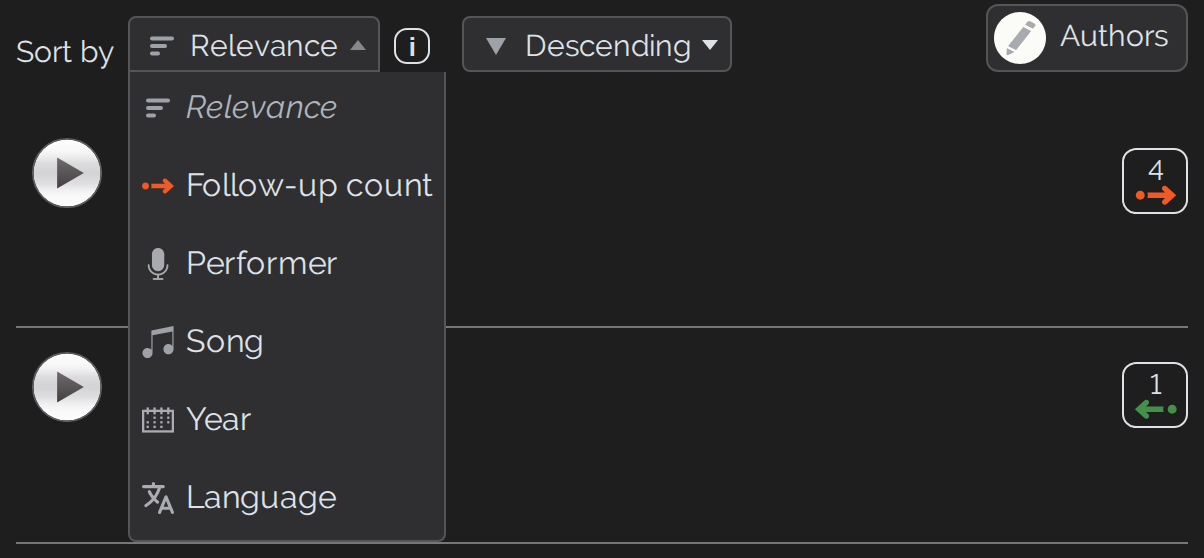
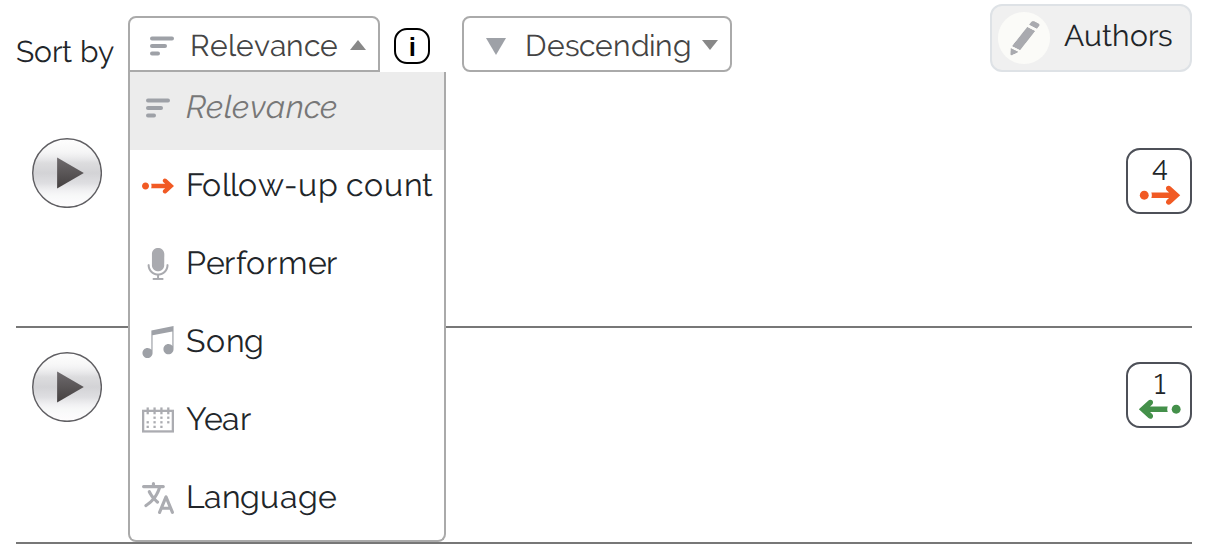
The default is relevance. It means: exact matches first, only then by the number of follow-up songs. Relevance is offered only where you have actually typed a search term – without one there would be nothing for it to rank, and it is then left out of the list.
Paging And Page Size
The two boxes are paged independently. The page numbers sit below the list; if the list is long, the “Go to page” field is added, which takes you straight to a page. With “Entries per page” you choose between 10, 25, 50, 100 and 200 entries.
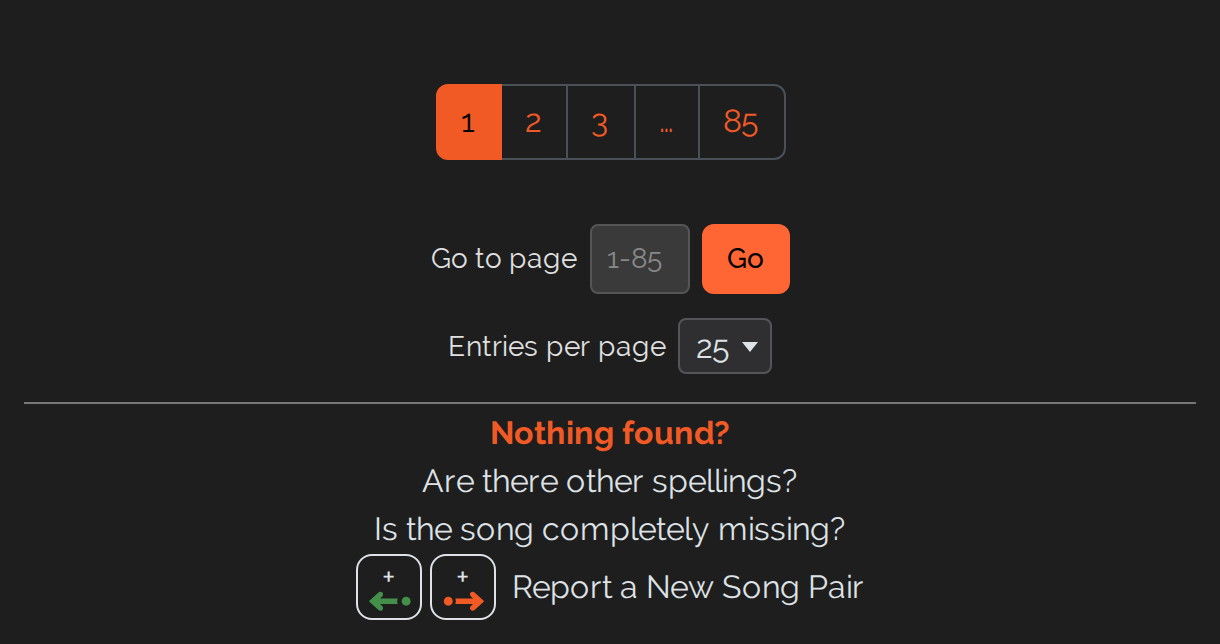
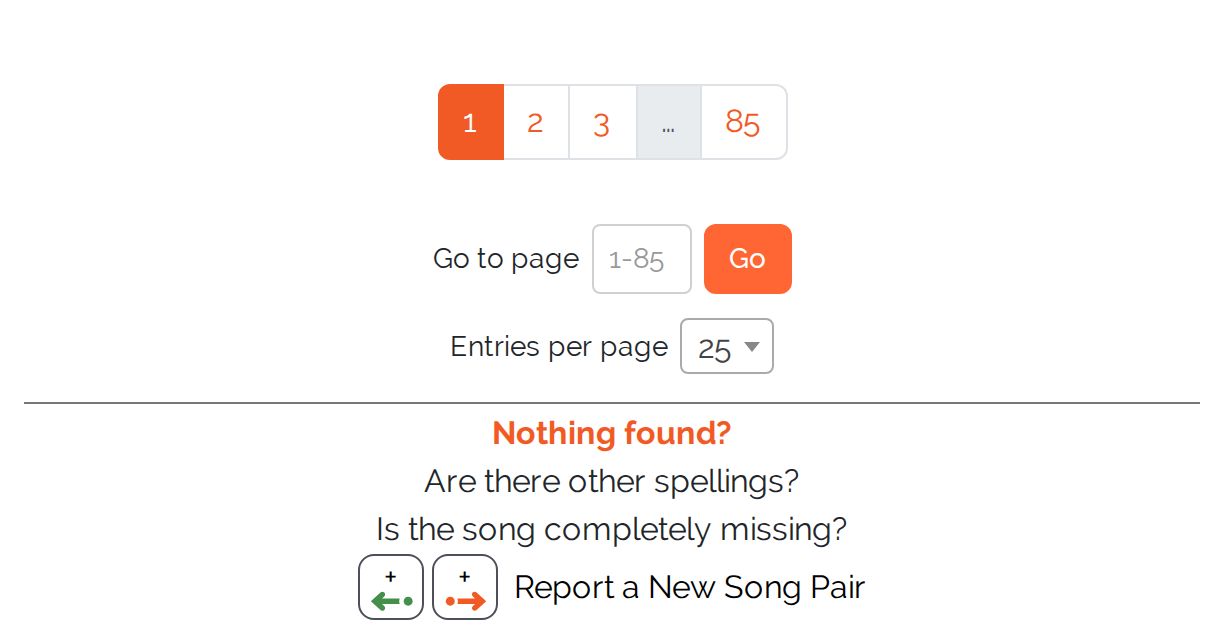
At the very bottom there is “Nothing found?”. If a song is missing altogether, or a song pair is missing, you can report it to us from there. Please search for it first – that is the only way to be sure it really is still missing.